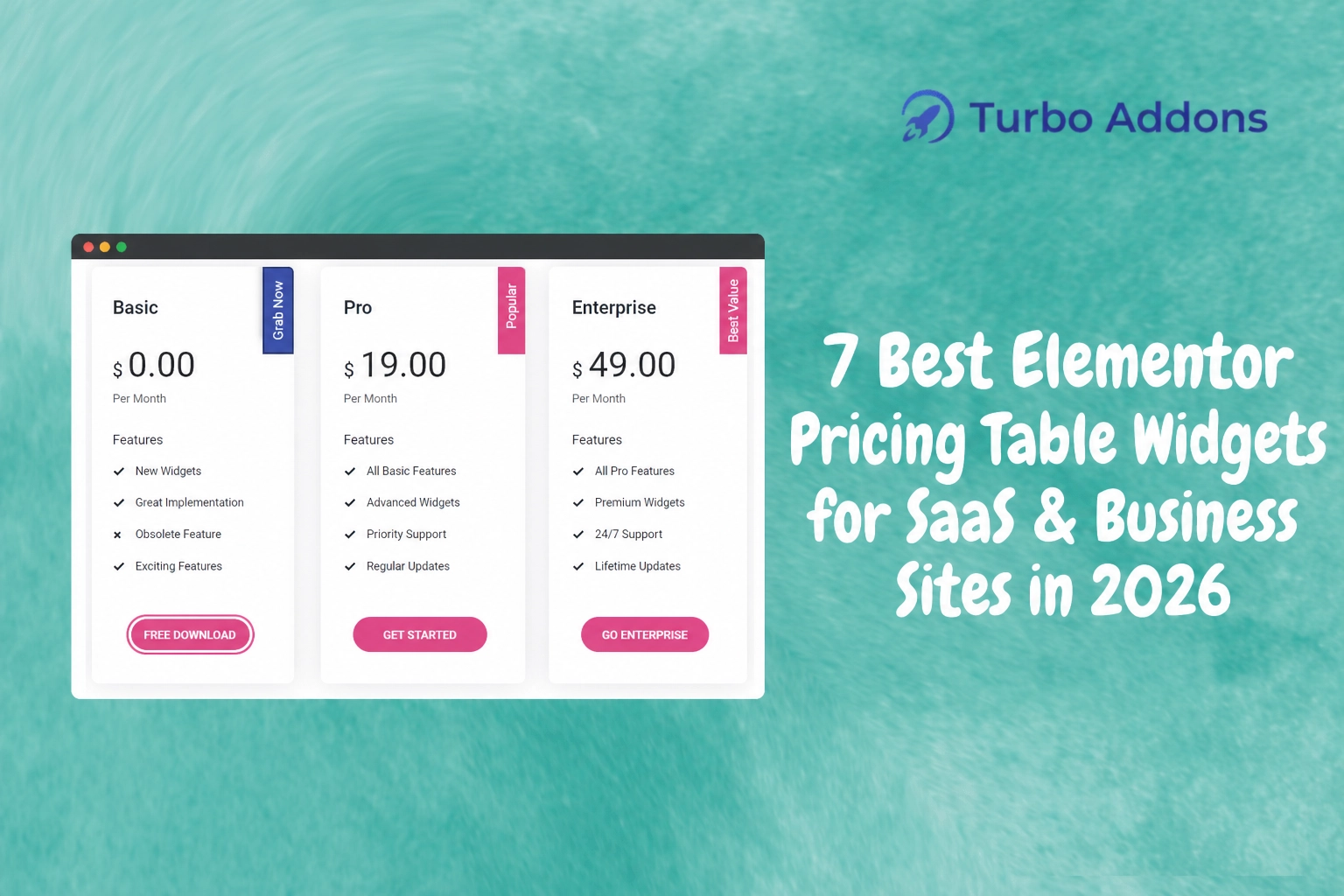
7 Best Elementor Pricing Table Widgets for SaaS & Business Sites in 2026
As web design trends continue to evolve, one thing remains constant—the significant role of pricing tables in converting website visitors into customers. According to recent data, websites with clear pricing tables have a conversion rate of up to 36% higher than those without. This makes selecting the right pricing table widget more crucial than ever, especially for SaaS and business websites looking to communicate value effectively.
In this blog, we will delve deep into the seven best Elementor pricing table widgets available in 2026, designed for SaaS and business sites. You will understand what makes each widget unique, the types of features they offer, and how they can enhance the digital experience on your website. Prepare to uncover all this information to help you make informed decisions in your website development journey.
What is a Pricing Table Widget?
A pricing table widget is a tool used in web design to display a comparison of different pricing plans available for a product or service. These widgets typically present several columns, each representing a different plan, with features, prices, and calls to action clearly outlined. The primary purpose is to guide potential customers toward selecting the plan that best meets their needs, thereby increasing conversion rates.
Pricing tables are essential for SaaS and business websites, as they quickly communicate complex offerings in an understandable format. By neatly arranging the benefits and pricing of different packages, companies can ensure their potential clients grasp important details at a glance. This not only aids decision-making but also helps businesses highlight the diverse benefits each plan offers, catering to the varied needs of their customer base.
The 7 Best Elementor Pricing Table Widgets for 2026
With an array of options available, choosing the right pricing table widget can be daunting. To help you navigate this landscape, we’ve curated a list of the seven best Elementor pricing table widgets available for 2026. The selection process considers user customization options, responsive design capabilities, integration ease, and the overall aesthetic appeal of these widgets.
Turbo Addons Pricing Table
Known for its flexibility and extensive styling options, the Turbo Addons pricing table widget offers smooth integration with both free and Pro versions of Elementor. Users can take advantage of its rich customization features to align table designs with business branding seamlessly. If you’re looking for a tool that offers both simplicity and comprehensive features, this widget is worth considering. Explore more about Turbo Addons for Elementor on Turbo Addons.
SaasPricing Table Widget
Fully responsive and designed specifically for SaaS businesses, the SaasPricing Table widget allows advanced pricing and comparison tables. It includes features that are crucial for showcasing multiple options. It also helps persuade users to opt for higher plans without overwhelming them.
Price Box by Elementor
This widely-used widget enables users to display subscription plans or service packages concisely. Its professional layout ensures that visitors can understand the core offerings quickly, leading to informed purchasing decisions.
Essential Addons for Elementor
Known for its multicolumn pricing table widget, this tool is ideal for users who need the capability to showcase multiple variables or plan tiers. With its user-friendly interface and broad design options, even non-technical users can create stunning tables with ease.
Element Pack’s Pricing Table Widget
Offering a plethora of custom features, this widget ensures that businesses can create tables tailored to specific market needs. It includes toggles for pricing, allowing customers to switch between monthly and yearly billing effortlessly.
Elementor Price Table Extension by JetElements
Integrating a wide range of display features, this widget provides users with the ability to engage customers through visually dynamic and interactive pricing tables. This contributes to increased engagement and higher conversions.
Ultimate Addons for Elementor
This pricing table widget is built for speed and simplicity. It features pre-designed rows and columns that users can customize with ease, reducing design time while maintaining a sleek and professional appearance.
Types of Widgets
Elementor offers a vast library of widgets to cater to the specific needs of developers and designers. Pricing table widgets vary mainly in their design complexity, customization flexibility, and integration capabilities. Some focus on providing basic, easy-to-use templates, while others offer advanced customization for those who need more control over the appearance and content.
Turbo Addons, for instance, provides both free and pro widgets that include content, creative, dynamic, marketing, social, and WooCommerce options. With extensive pre-designed templates and drag-and-drop features, Turbo Addons empowers website builders to create responsive and professional designs without coding. Visit Turbo Addons for more information on available addons.
Pricing
Pricing for Elementor addons varies depending on the complexity and range of features provided by each tool. Turbo Addons offers both free and paid plans to accommodate different budgetary needs. Their pricing plans include:
| Plan | Sites | Price/yr | Features |
|---|---|---|---|
| Free | Unlimited | $0 | Limited Widgets & Templates |
| Personal | 2 Sites | $24.99 | 85+ Widgets, 100+ Templates |
| Business | 10 Sites | $49.99 | 85+ Widgets, 100+ Templates |
| Agency | 1,000 Sites | $119.99 | 85+ Widgets, 100+ Templates |
Lifetime plans are also available for those looking for perpetual access without ongoing subscription costs, offering flexibility for businesses of all sizes.
Why It Matters
Understanding the importance of pricing table widgets is crucial for anyone involved in web design for SaaS or business sites. These widgets help streamline user decisions by offering clear, comparative information on different plans. By presenting options side-by-side, businesses can highlight the value of features, prompting users to move toward premium packages naturally.
Well-designed pricing tables do more than display costs; they capture the essence of a brand’s offering. With visually appealing layouts and intuitive navigation, pricing table widgets enhance the user experience by ensuring that critical information is easy to find and understand. As a result, they play a substantial role in boosting conversions and customer satisfaction.
Moreover, turbocharged pricing widgets, such as those offered by Turbo Addons, incorporate multifaceted designs that cater to mobile responsiveness and SEO friendliness. This ensures that companies can meet the technical requirements of modern web environments. It also addresses the aesthetic and pragmatic needs of users, creating a comprehensive solution that attracts and retains customers.
How It Works
The process of implementing a pricing table widget typically involves selecting a design that complements the overall aesthetic of your website. This is followed by customization to align it with your company’s branding and pricing strategy. Most Elementor widgets come with drag-and-drop interfaces, allowing for smooth integration without requiring technical expertise. Once integrated, users can adjust text content, styling, and layout to suit their specific needs.
These widgets often include options to add custom animations, icons, and color schemes, aiding in creating a more interactive and engaging experience for site visitors. By utilizing the available features, such as pricing toggles and detailed feature listings, companies can ensure their pricing tables accurately reflect the value proposition of each plan.
Measurement and optimization form the final segment of this process. By leveraging built-in analytics and monitoring conversion rates, businesses can fine-tune their pricing tables to continually improve performance. This allows them to not only capture a wider audience but also adapt to changing market trends and customer demands effectively.
Conclusion
Choosing the right Elementor pricing table widget can make a significant difference in how effectively you communicate your offerings. With several options available, finding the right fit necessitates understanding your business needs and the technical specifics of each widget. By aligning these with your site’s goals, you can create a compelling and user-friendly experience. For more resources, visit Turbo Addons.
FAQs
What features should I look for in a pricing table widget?
When selecting a pricing table widget, consider features such as customization flexibility, responsiveness, integration compatibility, and ease of use. Look for widgets that allow you to adjust colors, layout, and text to match your brand. Other important features include animation options, pricing toggles, and analytics support to help you track performance.
Are there any free pricing table widgets for Elementor?
Yes, several free Elementor pricing table widgets are available. Turbo Addons, for example, offers a free version with limited widgets and templates. However, for more dynamic features and customization options, you might consider premium versions that provide additional functionalities, ensuring greater design freedom and enhanced user experience.
How do pricing table widgets enhance user experience?
Pricing table widgets enhance user experience by presenting information in a structured, easy-to-understand format. They allow potential customers to compare different pricing plans at a glance, making it easier to identify which package suits their needs. These widgets also improve navigation and engage users through appealing design, animations, and interactive elements.
Can I use these widgets with any Elementor theme?
Yes, most pricing table widgets are designed to work seamlessly with any Elementor theme. They integrate easily, allowing you to maintain the aesthetic consistency of your website. However, make sure to choose a widget that complements your site’s layout and design to maximize functionality and visual appeal.