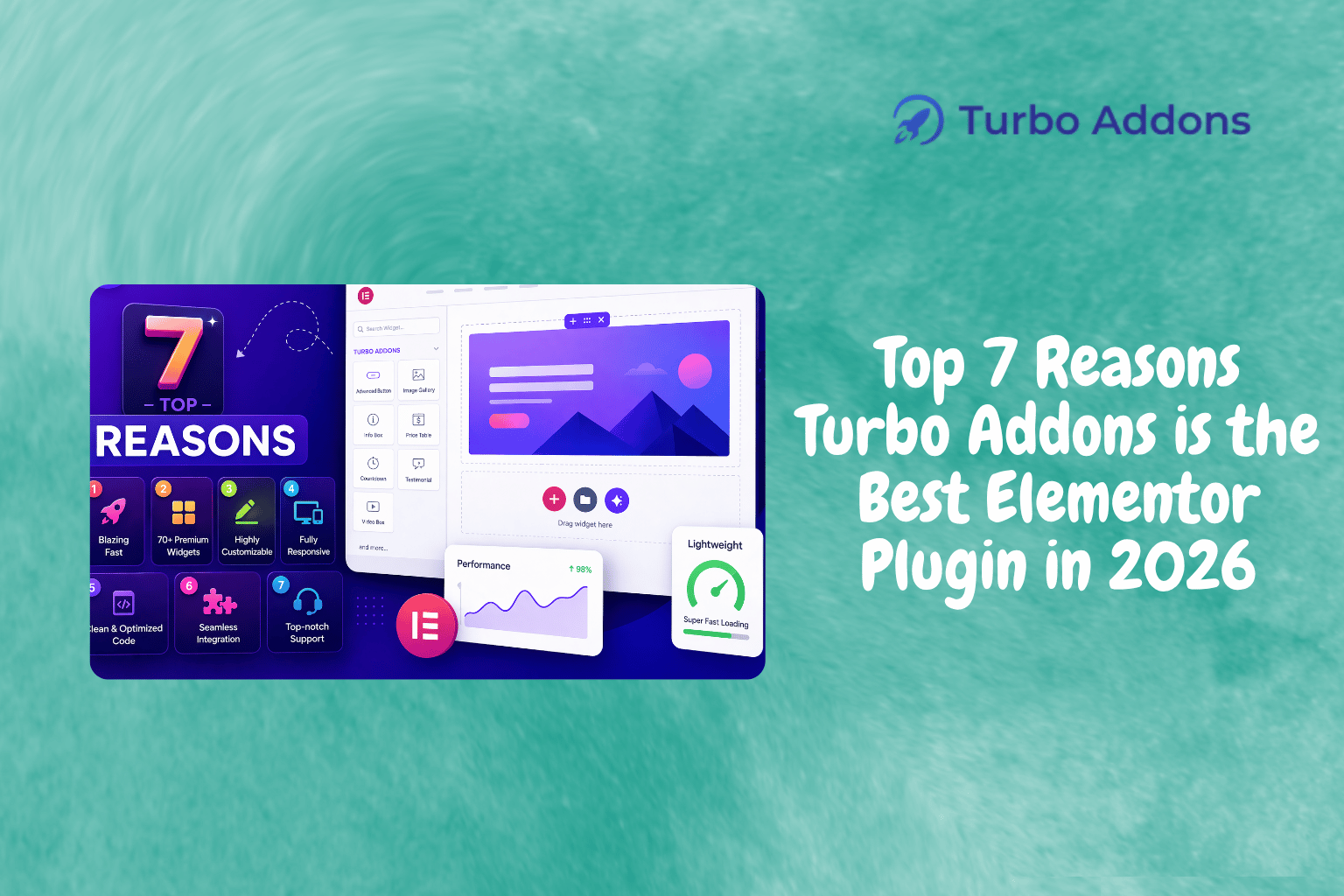
Top 7 Reasons Turbo Addons is the Best Elementor Plugin in 2026
Introduction
As websites become more sophisticated, the need for efficient, user-friendly tools has grown immensely. The Elementor plugin for WordPress has transformed web design with more than 5 million active installations. This indicates a significant shift in how designers approach building websites. Understanding the needs of a dynamic content landscape, Turbo Addons stands as a key player in enriching the Elementor ecosystem, providing unmatched functionality.
In this article, we’ll explore seven compelling reasons why Turbo Addons continues to lead the pack of Elementor plugins. From an extensive widget collection to seamless integrations, you’re about to discover what makes it the go-to solution for web developers and designers in 2026.
What Is Turbo Addons?
Turbo Addons is an advanced plugin for Elementor, a popular WordPress page builder. It extends Elementor’s capabilities by offering over 85+ widgets and pre-designed templates that cater to various creative and business needs. Whether you’re building a portfolio, setting up a WooCommerce shop, or designing a corporate website, Turbo Addons simplifies complex requirements with ease.
Specifically designed for web developers, designers, and business owners who seek to enrich their websites without diving deep into code, Turbo Addons empowers users to create visually appealing, interactive, and functional websites quickly. It targets those who need to leverage high-quality, ready-to-use assets while still offering customization for unique needs.
Why Turbo Addons Leads the Pack in Elementor Addons
Turbo Addons elevates the Elementor experience by delivering a robust collection of tools designed to enhance every aspect of web design. Featuring multiple categories, from creative to WooCommerce-specific widgets, it works harmoniously with both free and Pro versions of Elementor.
One of the standout features is its drag-and-drop Header and Footer Builder, allowing complete site navigation customization. Additionally, its integration with WooCommerce through dedicated widgets offers store owners the flexibility to design product pages entirely within Elementor. This sets Turbo Addons apart among the best Elementor widgets available today.
Types of Widgets
Turbo Addons’ widget library caters to all design needs. Some key types include:
- Content Widgets: From Logo Carousels to Icon Buttons, offering flexibility in displaying information.
- Creative Widgets: Add dynamism with 3D Flip Boxes or Hero Sliders.
- WooCommerce Widgets: Tailor your product display, utilizing Product Titles, Pricing, and Ratings.
For a complete list of widgets, visit our widget page at turbo-addons.com.
Pricing
Turbo Addons provides a free tier alongside three paid tiers available on both annual and lifetime billing plans. The free version includes all basic functionalities, while the paid versions unlock advanced features and templates.
Prices start from $24.99 per year for a personal plan, which includes licenses for two sites and access to 85+ widgets and templates. Agency plans, suitable for handling 1,000 sites, offer broader access to resources.
Why It Matters
The demand for high-quality web solutions has never been higher, as businesses migrate online and competition intensifies. Plugins like Turbo Addons are pivotal in differentiating web offerings through rich, interactive experiences that audiences today come to expect.
In a constantly evolving market, Turbo Addons gives developers the tools to meet client expectations efficiently. Its compatibility with Elementor and WooCommerce makes it a seamless addition for designers looking for an all-in-one solution. Comparatively, competitors often lack the full spectrum of widgets and customization options provided by Turbo Addons, fostering its reputation as a top choice in the industry.
How It Works
Getting started with Turbo Addons is straightforward. After downloading the plugin from the WordPress repository, users can access it via the Elementor editor. The widget library becomes available with one-click installations, making your design journey a breeze.
The flexibility extends to WooCommerce, where custom widgets make e-commerce websites both functional and aesthetically pleasing without the need for custom coding. Integration steps are simple, focusing on delivering a smooth user experience from installation to execution.
Why Turbo Addons Remains the Best Elementor Plugin in 2026
As we move through 2026, the case for Turbo Addons as the best Elementor plugin 2026 has to offer keeps getting stronger. Regular updates, a growing widget library, and consistent compatibility with the latest Elementor releases keep it ahead of competing addons.
For agencies and freelancers alike, choosing the best Elementor plugin 2026 delivers means fewer tools to manage and faster project delivery. Turbo Addons meets that need with one cohesive toolkit for content, creative, and WooCommerce design.
Learn More
Begin enhancing your website today with Turbo Addons. Visit Turbo Addons for detailed documentation and support options tailored to your needs.
FAQs
What happens after I purchase a plan?
Upon purchase, you’ll receive a license key and download link in your email. Activate the license in the WordPress dashboard under Turbo Addons settings.
Do I need Elementor Pro to use Turbo Addons?
No, Turbo Addons works with both free and Pro versions of Elementor. However, some advanced features may perform better when Elementor Pro is used.
Can I use my license on multiple websites?
Yes, depending on your plan. The Personal Plan is valid for 2 websites, while Business and Agency Plans cover more sites.
What is included in Support & Updates?
Regular plugin updates with new features, improvements, and access to the support team for assistance with any issues.