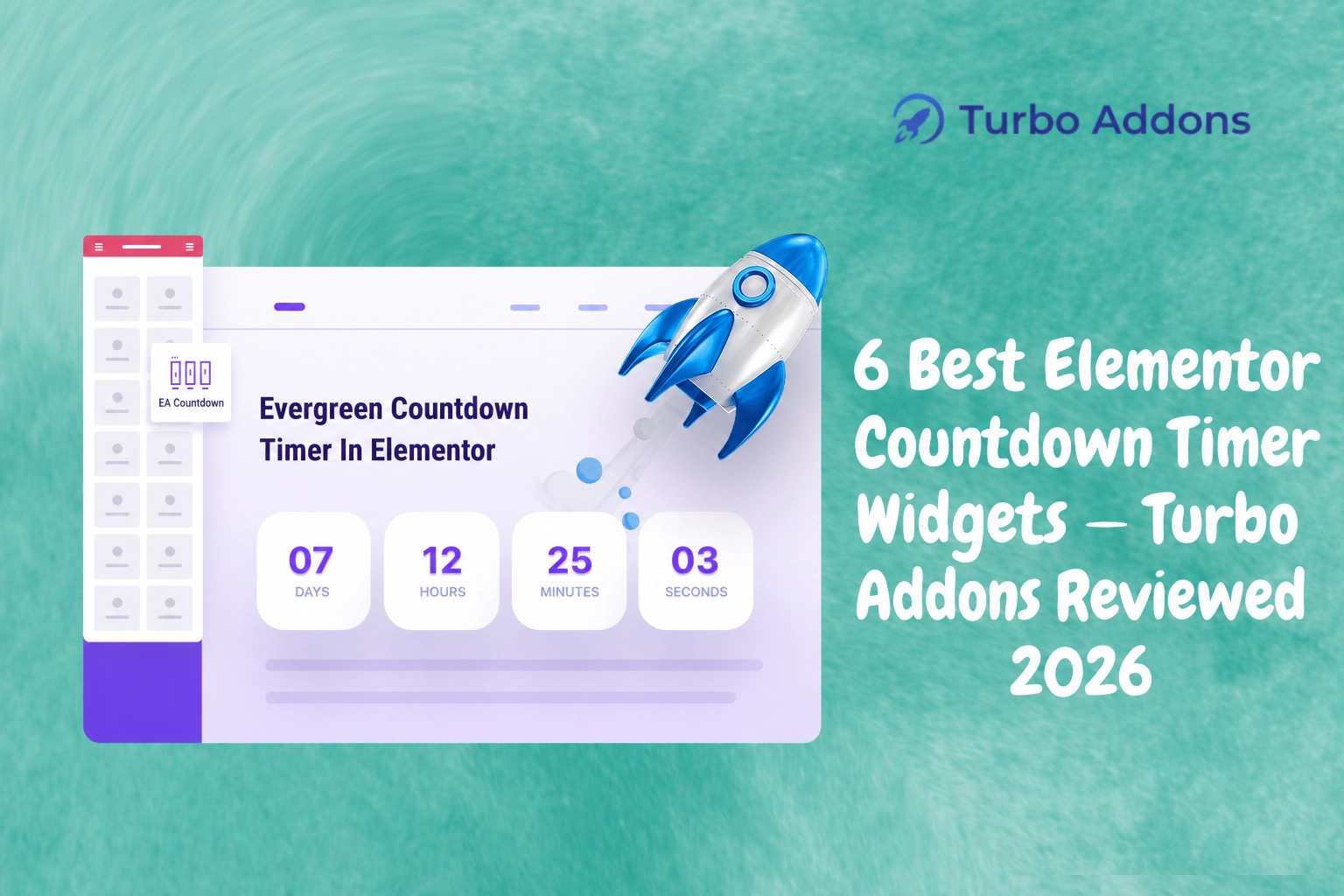
6 Best Elementor Countdown Timer Widgets — Turbo Addons Reviewed 2026
In 2026, e-commerce sales are expected to reach an astonishing $8 trillion globally, highlighting the growing reliance on online shopping. For online retailers, creating urgency is a crucial strategy to drive sales, and this is where countdown timers come into play. A well-placed countdown timer can increase conversion rates by up to 60%, making it an essential tool for e-commerce and marketing websites.
This blog post will guide you through the six best Elementor countdown timer widgets available, focusing on Turbo Addons and other notable options. You’ll learn what countdown timers are, why they matter to your site’s success, and how to use them effectively.
What Is a Countdown Timer?
A countdown timer is a visual tool on a website that counts down from a specific time to a certain event or deadline. This digital clock is widely used to create urgency and encourage immediate action from visitors, such as completing a purchase before a sale ends or signing up for an event before registration closes.
Countdown timers are ideal for marketers, e-commerce retailers, and business owners looking to enhance their site’s user experience and drive conversions. They create a sense of scarcity and urgency, which are proven psychological triggers that encourage faster decision-making and boost sales.
Why Choose Elementor Countdown Timer Widgets?
Elementor, one of the leading page builder plugins for WordPress, offers seamless integration with countdown timers. These Elementor countdown timer widgets are customizable and responsive, allowing you to tailor them to fit the aesthetic and functionality of your website. With Elementor’s drag-and-drop interface, even those without coding knowledge can implement effective countdown timers.
To use these features, plugins like Turbo Addons for Elementor provide a wide range of widgets, including countdown timers. Turbo Addons enhances Elementor’s capabilities with over 85 widgets and 200 pre-designed templates, ensuring flexibility and convenience for any web project.
Integrating countdown timers with Elementor is easy. You simply select the timer widget, set your end time, choose the style, and you’re ready to go. By using a reliable timer widget, businesses can reduce cart abandonment and encourage timely responses from potential customers.
For those looking to dive deeper into the features of Turbo Addons, visit their official site for more information, templates, and design inspirations.
Types of Widgets
There are several types of countdown timer widgets designed to meet different needs and preferences. Turbo Addons for Elementor offers various options, each serving a specific purpose to enhance the user experience and drive conversions.
- Basic Countdown Timer: This straightforward timer counts down to a specific date and time. It’s perfect for highlighting end-of-season sales or limited-time offers.
- Evergreen Timer: Unlike date-specific timers, an evergreen timer starts the countdown when a visitor lands on the page, making it ideal for ongoing promotions or special offers.
- Custom Timer: Tailor this type of timer to fit unique campaigns. Customize styles, colors, sizes, and functionality to align with branding efforts.
Turbo Addons also includes smart additional features such as visual animations and conditional display options to enhance the overall impact of countdown timers on the site.
Pricing
When considering the implementation of countdown timers, it’s essential to evaluate the associated costs. Turbo Addons for Elementor offers several pricing tiers to suit different users’ needs.
The free version provides limited access, allowing users to test basic features, while three paid annual plans offer expanded access:
| Plan | Sites | Price/yr | Widgets | Templates | Support |
|---|---|---|---|---|---|
| Free | Unlimited | $0 | Limited | Limited | Yes |
| Personal | 2 Sites | $24.99 | 85+ | 100+ | Yes |
| Business | 10 Sites | $49.99 | 85+ | 100+ | Yes |
| Agency | 1,000 Sites | $119.99 | 85+ | 100+ | Yes |
Why It Matters
Countdown timers are not just about boosting sales; they enhance engagement and user experience by making websites more interactive. By creating urgency, they persuade visitors to act quickly, reducing procrastination and decision paralysis that can lead to abandoned carts or lost leads.
For businesses offering time-sensitive deals, countdown timers serve as a visible reminder of deadlines, encouraging visitors to complete actions before time runs out. This functionality helps maintain the momentum in promotional strategies and facilitates effective time management for marketing teams.
Additionally, countdown timers help manage inventory by pushing higher turnover rates through flash sales and exclusive offers. By encouraging visitors to take immediate action, businesses can quickly adjust inventory levels to better align with market demand and customer readiness to purchase.
How It Works
Implementing countdown timers on your website is straightforward with Elementor’s user-friendly interface. Select the countdown widget from Turbo Addons, customize its settings, and drag it into the desired location on your webpage.
The widget allows you to set start and end times, choose the display format, and apply various visual styles and animations. This flexibility ensures that the timer aligns perfectly with your website’s design and branding.
Once live, the countdown timer begins counting down in real-time, effectively drawing visitor attention and prompting engagement. By integrating with WooCommerce options, online stores can even tie timers to specific products, further increasing relevancy and potential impact.
Conclusion
Countdown timers are indispensable tools for creating urgency and increasing conversions on your website. Whether used for e-commerce promotions or event registrations, their strategic implementation can significantly impact overall site performance and user engagement. For more insights and examples, visit Turbo Addons and enhance your web design toolkit today.
FAQs
What happens after I purchase a plan?
Once you purchase a Turbo Addons plan, you’ll receive an email containing a license key and download link. You can activate your license directly through the WordPress dashboard under the Turbo Addons settings. This process ensures that you can start using all premium features immediately.
Can I use my license on multiple websites?
Yes, depending on your chosen plan, licenses can be used on multiple websites. The Personal Plan covers 2 websites, the Business Plan supports up to 10, and the Agency Plan accommodates up to 1,000 websites. You can activate the license through the Turbo Addons settings in your WordPress dashboard.
Do I need Elementor Pro to use Turbo Addons?
No, Turbo Addons is compatible with both the free and Pro versions of Elementor. While the free version is sufficient for many features, certain advanced functionalities might work best alongside Elementor Pro. Turbo Addons expands Elementor’s capabilities without necessitating additional purchases.