How to Make a Real Estate Website Using Elementor Addons
Introduction
In the dynamic world of real estate, having a strong online presence can make all the difference. According to industry analysts, over 90% of homebuyers start their search online. This highlights the need for real estate agents and companies to maintain an engaging and informative website. A well-designed website not only attracts potential clients but also builds credibility and trust.
This blog post will guide you through creating a real estate website using Elementor and Turbo Addons. You’ll learn step-by-step how to use templates, customize pages, and create engaging content that will captivate your audience. By the end of this guide, you will feel equipped to construct a professional real estate website effortlessly.
What Is a Real Estate Website?
A real estate website acts as a digital portfolio for realtors, showcasing property listings, market trends, and agency information. It’s a tool for both showcasing listings and connecting with clients. Modern real estate websites incorporate features like virtual tours, interactive maps, and lead capture forms to enhance the user experience.
The purpose of a real estate website is to provide potential buyers with comprehensive information in a user-friendly format. For agents, these websites offer a platform to exhibit their expertise and services. From listing descriptions to client testimonials, a well-crafted site can highlight what sets you apart in a competitive market like real estate.
How to Make a Real Estate Website Using Elementor Addons
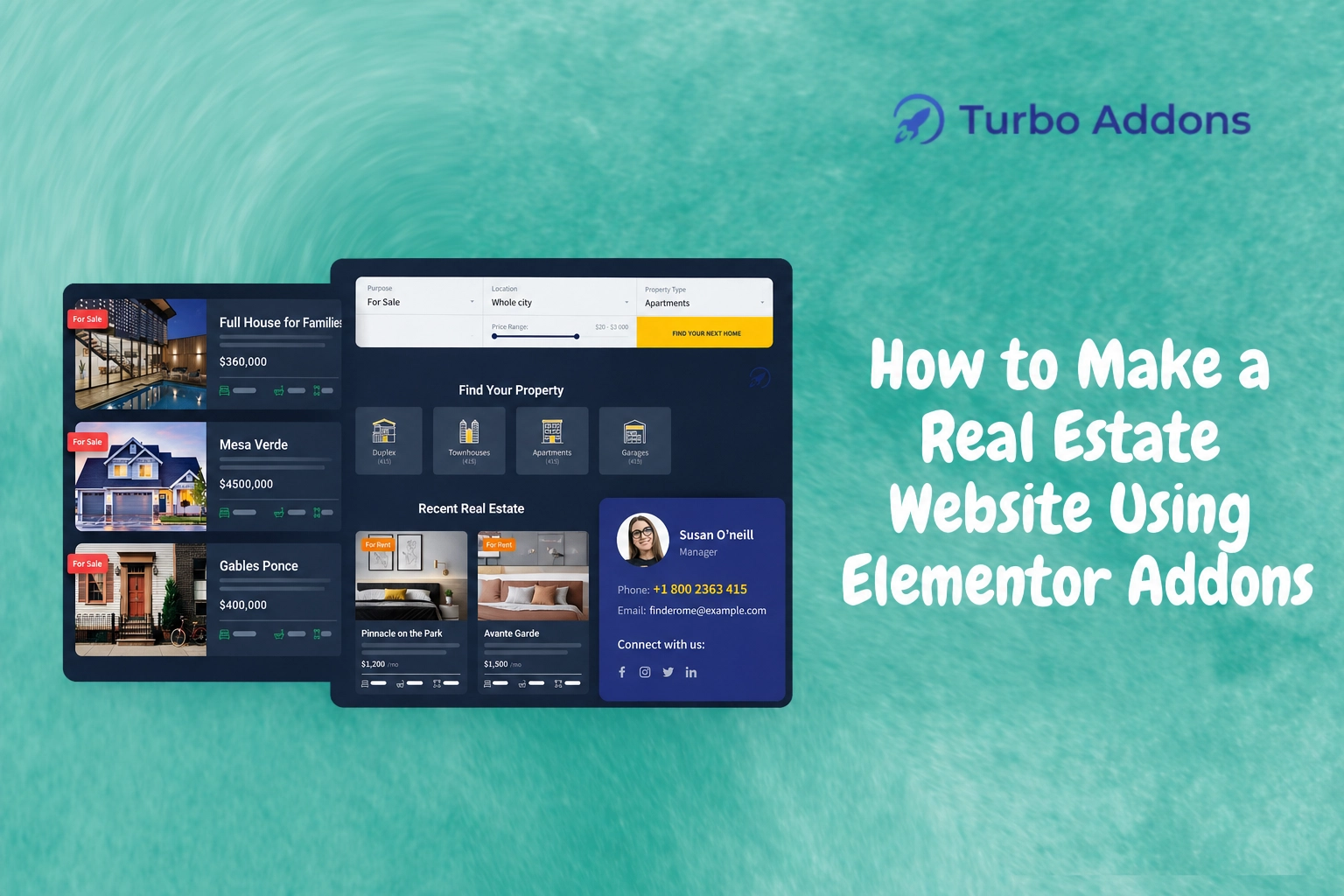
Building a real estate Website Using Elementor Addons is both efficient and effective. The first step is to choose the right template. Turbo Addons offers a variety of templates specifically crafted for the real estate industry, which you can easily customize to suit your branding and needs. Import these templates with a single click, saving you valuable development time.
Next, focus on structuring your website to ensure the best user experience. Use Elementor’s drag-and-drop editor to place elements like property listings, contact forms, and testimonials. With Turbo Addons, you can use widgets such as the Image Carousel or Advanced Accordion to showcase properties and client reviews engagingly.
Don’t forget the importance of SEO in your website design. Utilize keywords strategically in your page titles, meta descriptions, and content. Elementor’s customizable features allow you to optimize each page, helping search engines understand and rank your content effectively.
Integrate lead capture methods by using Elementor forms or implementing scheduling tools that potential clients can use to arrange property visits. These tools are great for generating leads and keeping track of client interest, directly facilitated by Turbo Addons’ additional functionalities.
Finally, ensure that your website is mobile-friendly. With most people using mobile devices to browse, make sure your site is responsive and looks great on all screen sizes. Elementor Addons, including Turbo Addons, offer responsive design options that you can customize without needing extensive coding skills.
Types of Widgets
Turbo Addons for Elementor offers a wide range of widgets suited for real estate websites. Among the most valuable are content widgets such as the Logo Carousel and Image Icon Card, which showcase logos of agencies or partnerships. Use Image Carousel to highlight properties or testimonials in a visually appealing manner.
For creative and visual enhancements, the Hero Slider and 3D Flip Box widgets stand out. These can bring properties to life, providing an immersive browsing experience for your users. Furthermore, integrating WooCommerce widgets enables a seamless blend with e-commerce functionalities, ideal if you’re looking to incorporate real estate-related products or services into your site.
To explore more about the types of widgets that can enhance your site’s capabilities, visit Turbo Addons and discover a comprehensive list of features available for free and premium users.
Pricing
Turbo Addons offers flexible pricing plans that accommodate different project scales. A free version is available, providing plenty of capabilities to start building your real estate site. Paid plans extend functionality with additional widgets and templates.
Here’s a brief overview of the available plans:
| Plan | Sites | Price | Widgets | Templates | Support |
|---|---|---|---|---|---|
| Free | Unlimited | $0 | Limited | Limited | Yes |
| Personal (Annual) | 2 | $24.99/yr | 85+ | 100+ | Yes |
| Business (Annual) | 10 | $49.99/yr | 85+ | 100+ | Yes |
| Agency (Annual) | 1,000 | $119.99/yr | 85+ | 100+ | Yes |
Why It Matters
Building a real estate Website Using Elementor Addons is crucial because it simplifies the process while offering robust design capabilities. A professional website fosters trust and positions you as a leader in the industry. Clients are more inclined to engage with a well-organized, visually appealing platform that offers all necessary information readily.
The competitive nature of the real estate market makes it essential to stand out. With the right tools, you can distinguish your website through unique layouts and impressive visuals. Elementor with Turbo Addons allows for the creativity and flexibility needed to customize your site to showcase your brand and properties effectively.
Furthermore, an easily navigable site with targeted calls to action can increase conversion rates significantly. Providing clear pathways to contact forms and information requests transforms passive browsing into active engagements, making your site a productive tool in your marketing strategy.
How It Works
Creating a real estate website starts with selecting your preferred templates from Turbo Addons’ extensive library. These templates provide the basic structure that you can customize using Elementor’s drag-and-drop editor without needing any coding skills. Build pages by adding images, text, and interactive elements will complete the professional look.
Widgets play a crucial role in adding functionality and engaging content. Turbo Addons offers over 85 widgets to choose from, which makes it possible to add features like client testimonials, galleries, or interactive maps that could improve user experience. Tailor these widgets to fit your brand’s aesthetic and informational needs.
The final step involves optimizing your website for mobile devices, ensuring that it remains visually appealing and functional across all screen sizes. Utilize Elementor’s responsive design features to adjust elements accordingly. Doing this makes your site both accessible and easy to use, boosting your presence in the competitive real estate market.
CTA
Ready to build your real estate website with ease and precision? Visit the Turbo Addons website to get started today with templates and widgets that suit your needs perfectly. Whether you’re just starting or refining your existing site, Turbo Addons has the resources you need to enhance your online presence. Start your journey by visiting Turbo Addons.
Frequently Asked Questions
What happens after I purchase a plan?
Once you purchase a plan, you’ll receive a confirmation email with your license key and download link. You can then activate the license through your WordPress dashboard by entering the key in the Turbo Addons settings. This activation grants you access to all features and ongoing updates provided in your plan.
Can I use my license on multiple websites?
Yes, Turbo Addons allows for flexible site usage across various plans. The Personal Plan covers 2 sites, the Business Plan allows for 10 sites, and the Agency Plan supports up to 1,000 websites. To manage your licenses, you can activate or deactivate site usage as needed through the Turbo Addons settings in WordPress.
Do I need Elementor Pro to use Turbo Addons?
No, Turbo Addons is compatible with both the free and Pro versions of Elementor. While some advanced functionalities might benefit from Elementor Pro, the wide array of widgets and templates provided by Turbo Addons can be utilized effectively without it. This flexibility makes Turbo Addons an attractive choice for a wide audience.
What is included in Support & Updates?
Turbo Addons offers comprehensive support and regular updates to enhance your user experience. This includes new feature rollouts and performance improvements. Access our support team whenever you face challenges, and rest assured that your plugin will continuously evolve to meet modern website needs as part of the plan you select.