8 Best Elementor Accordion Widgets for Stunning FAQs in 2026
As we approach 2026, the demand for efficient methods to organize and display information on websites continues to rise. A staggering 47% of consumers expect a web page to load in two seconds or less. That makes streamlined page design crucial. Accordion widgets serve this purpose by neatly organizing content, especially for FAQs. They make the information easily accessible without overwhelming the user. This blog post will guide you through the best Elementor accordion widgets available for creating stunning FAQs in 2026.
Whether you’re a seasoned developer or just starting with WordPress, utilizing the right tools can significantly enhance the user experience on your site. By the end of this article, you’ll be well-informed about the top Elementor accordion widgets, their unique features, and how they can improve your FAQs section.
What Is an Accordion Widget?
An accordion widget is a user interface component that collapses and expands content in a compact, organized manner. Typically used for FAQ sections, these widgets allow multiple pieces of content to occupy a single section on a webpage. This enhances readability and user interaction. By doing so, they improve site structure and performance, particularly on mobile devices where space is limited.
Accordion widgets exist to streamline content presentation for users who seek quick answers without scrolling through lengthy text blocks. They are essential for businesses that deal with complex products or services requiring detailed explanations. This makes accordion widgets an invaluable tool for creators aiming to deliver a polished, professional site experience.
Deep Dive into the 8 Best Elementor Accordion Widgets of 2026
Choosing the right Elementor accordion widget can transform your site’s FAQ section into a user-friendly hub of information. Here’s a closer look at some of the top performers this year. Each offers unique benefits tailored to different needs and preferences.
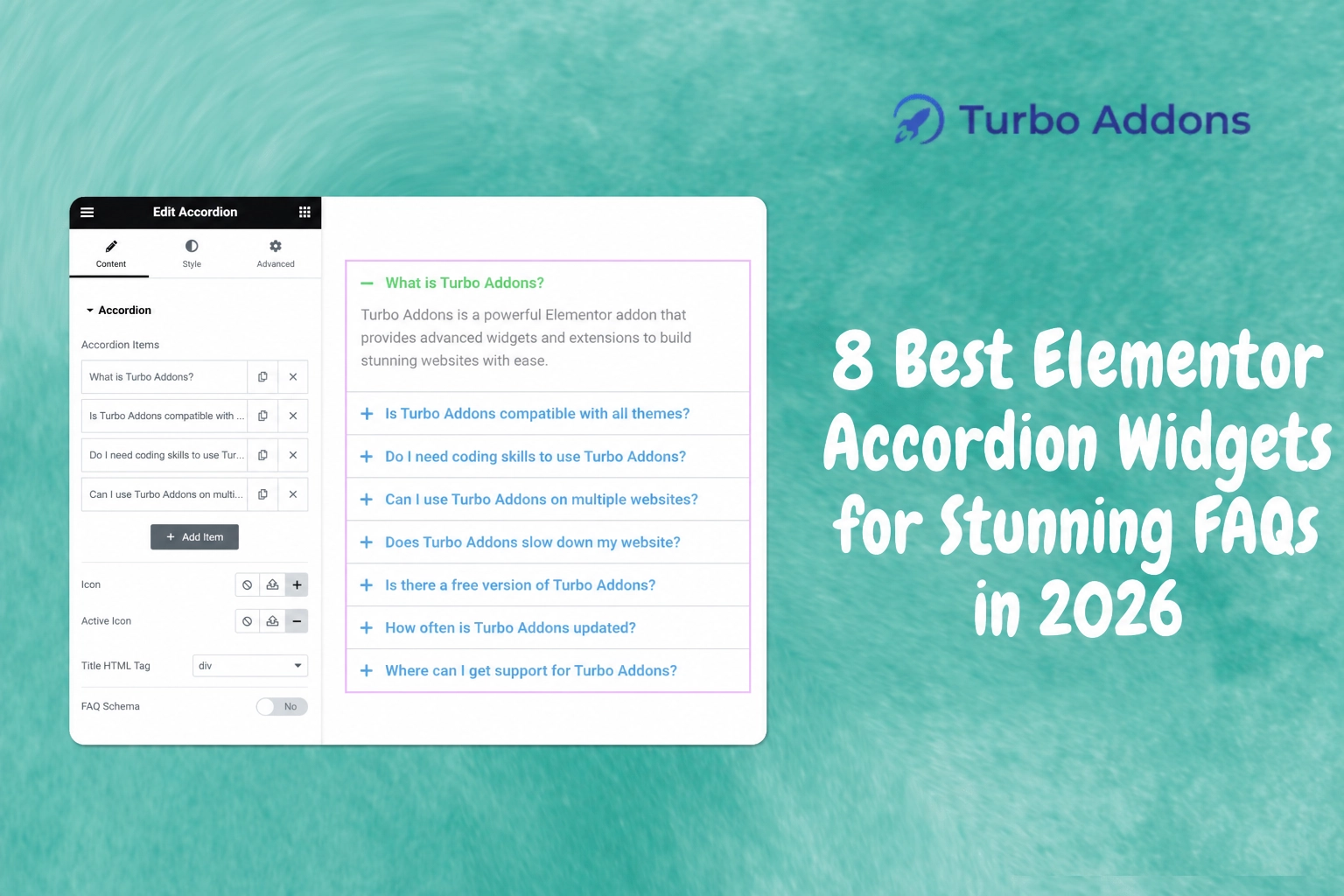
- Turbo Addons Accordion Widget: Known for its ease of use and extensive customization options, Turbo Addons’ Accordion widget tops many lists. Its seamless integration with other Turbo Addons widgets allows consistent design across web pages.
- Essential Addons for Elementor: This widget stands out for its lightweight design and various styling options. It allows developers to create interactive FAQ sections without compromising site speed.
- Premium Addons: Offering diverse accordion styles, Premium Addons is ideal for creatives who favor aesthetics as much as functionality. Check out more details on Turbo Addons for comprehensive integration features.
- Happy Addons: Happy Addons doesn’t just provide a basic accordion widget. It includes advanced features like nested accordions and smooth animations that enhance the end-user experience.
- JetElements by Crocoblock: Known for its robust performance, JetElements offers a unique take with accordion image galleries. This makes it suitable for portfolios and visual content-focused sites.
- HT Mega: Offering a clean, no-frills interface, HT Mega’s accordion widget is a choice pick for minimalist websites that need to present concise information efficiently.
- Ultimate Addons for Elementor: This widget provides a balance of versatility and simplicity. It offers pre-designed accordion styles that can be adapted to any brand identity.
- Master Addons: Catering to both beginners and experts, Master Addons delivers complex functionalities packaged in a user-friendly interface.
Types of Widgets
Widgets come in various forms, each designed to suit different content presentation needs. Primarily, they can be categorized into collapsible sections, toggle lists, and nested accordions. Each serves unique purposes. Turbo Addons for Elementor is known for its extensive widget library offering more than 85 widgets that enhance content display dramatically. Details can be explored at Turbo Addons.
Collapsible sections are ideal for showing limited information upfront, whereas toggle lists work best for allowing single or multiple items to stay open. Advanced nested accordions support layers of content within a structured hierarchy. This ensures complex data is accessible yet manageable.
Pricing
When considering widget solutions, pricing typically varies based on feature accessibility and support levels. Turbo Addons provides flexible plans, including a free tier and several paid plans. A single annual personal plan starts at $24.99, offering comprehensive features with support for two websites. More extensive needs may require the Business or Agency plans, which offer additional site licenses.
For those seeking long-term investment without annual fees, Lifetime plans provide cost-effective options. The Personal Lifetime plan is priced at a one-time fee of $159.99, which includes access to the full suite of templates and widgets.
Why It Matters
Utilizing the right accordion widget matters because it directly affects user engagement and site navigation. A well-implemented FAQ section helps users find answers quickly. This reduces bounce rates and enhances the overall site experience. For businesses, this translates to improved customer satisfaction and potential conversion increases.
Additionally, accordion widgets contribute to site accessibility. By organizing content logically, they make it easier for users with disabilities to navigate and understand the provided information. Given the importance of complying with web accessibility guidelines, choosing the right widget is critical.
Lastly, accordion widgets impact SEO. Search engines favor well-structured, user-friendly sites, often rewarding them with better rankings. Effective use of accordion widgets can help ensure your site not only appeals to users but also to search engines, improving visibility.
How It Works
Setting up an accordion widget using Elementor is typically straightforward, even for users with limited technical knowledge. Once you’ve installed Elementor and your preferred set of widgets, adding an accordion to your page involves dragging the widget from the panel and customizing it to your needs.
The customization options are where widgets differentiate themselves. Turbo Addons, for example, allows extensive styling options, animations, and even conditional display settings. This enables users to tailor the appearance and behavior of their accordions to match their brand.
Once integrated, these widgets enhance both functional and aesthetic aspects of your site. They make maintenance simpler and user interaction smoother.
Conclusion
Elevating your site’s FAQs with an accordion widget is a strategic move that promises numerous benefits. For those looking for versatile and powerful options, Turbo Addons offers a comprehensive toolkit. Visit Turbo Addons to learn more about their offerings and how they can improve your website’s functionality.
FAQs
How do I install an accordion widget in Elementor?
To install an accordion widget in Elementor, first ensure Elementor is installed and activated on your WordPress site. Navigate to the plugins section and search for a plugin that provides accordion widgets, such as Turbo Addons. After installing and activating the plugin, you can add the widget to your desired page by simply dragging it from Elementor’s widget panel onto your page. Customize the settings to fit your style, and publish the changes.
Can accordion widgets affect my site’s loading speed?
Accordion widgets, when used correctly, are designed to optimize rather than hinder page loading speed. They simplify page content, reducing the need for full text loading at once and offering a cleaner, more efficient user experience. However, overloading pages with many heavy scripts can impact performance. Opt for lightweight widgets specifically designed to minimize load times for optimal results.
What is the difference between free and paid accordion widgets?
Free accordion widgets typically offer essential features required to create basic FAQs. However, they might have limited styling and customization options compared to paid versions. Paid accordion widgets usually provide advanced functionalities such as extensive customization, enhanced animations, and more robust support. Depending on your site’s specific needs, a premium widget could offer additional value.
Are accordion widgets mobile-friendly?
Most modern accordion widgets are designed to be mobile-responsive. They adjust to fit various screen sizes, ensuring a seamless experience across devices. It is essential to test your accordion widgets on different devices to verify their performance. Widgets from renowned providers like Turbo Addons are engineered with mobile responsiveness as a priority, catering to the growing number of mobile users.
Featured image: https://turbo-addons.com/wp-content/uploads/2026/04/Accordion_Thumbnail.webp