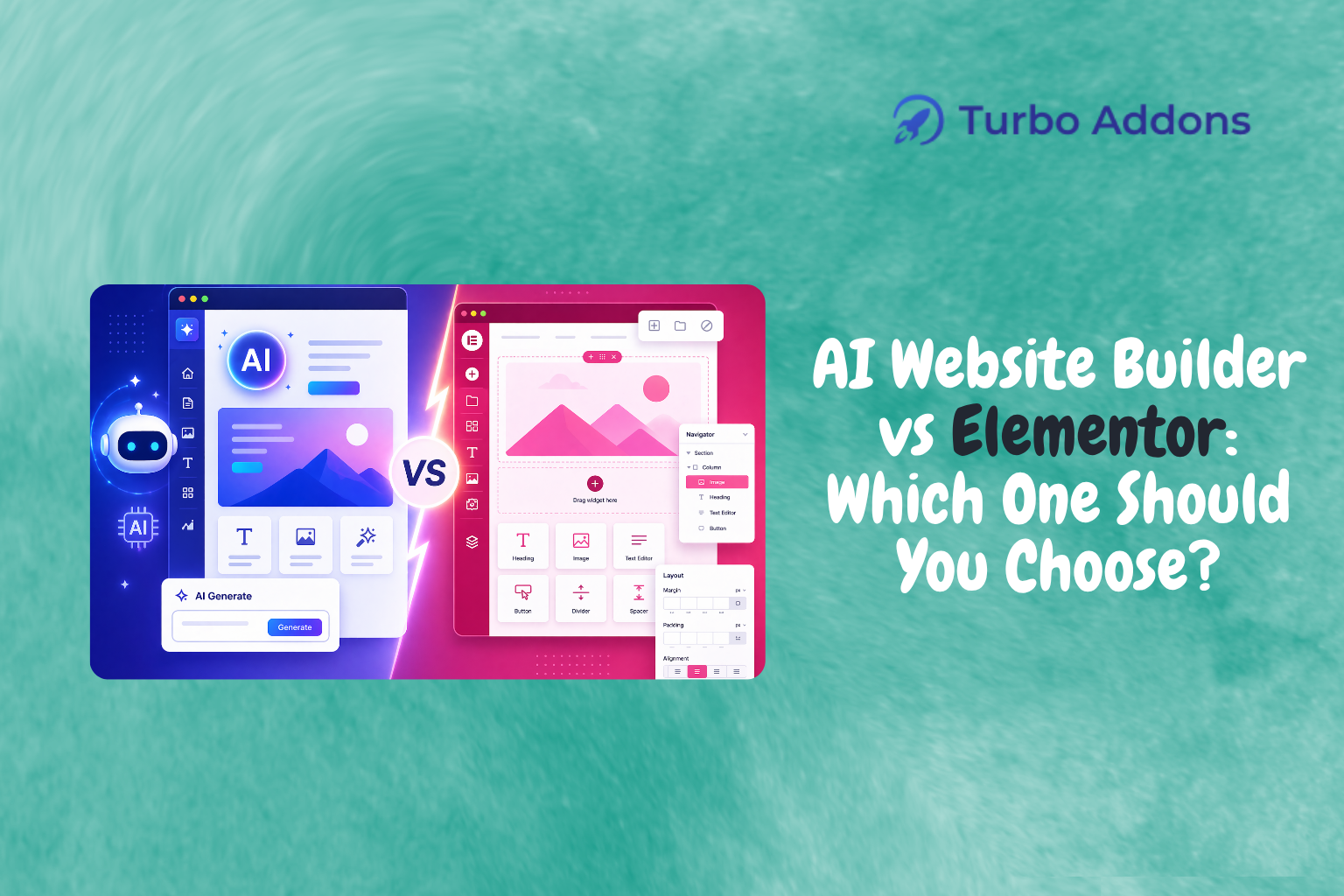
Website Builder vs Elementor: Which One Should You Choose?
Introduction
In the ever-evolving landscape of web development, choosing the right tools can dramatically impact the efficiency and quality of your projects. According to recent studies, 75% of web developers now prefer using drag-and-drop tools for building websites. That is a clear indication of the market’s shift towards visual design tools. Two significant players in this space are AI-powered website builders and Elementor, a widely recognized page builder for WordPress. This post will guide you through understanding these tools. It also offers a comparison to help you make an informed decision.
We’ll explore what each of these tools offers, delve into their features, and provide insight into who these tools are best suited for. By the end of this post, you should have a clear understanding of which platform aligns better with your needs. Whether you’re a newcomer to web design or an experienced developer, this Website Builder vs Elementor comparison will help you find efficient website-building solutions.
What Is a Website Builder?
A website builder is a tool or platform that allows users to construct websites without deep-seated knowledge of coding or design. These builders offer drag-and-drop functionalities. This enables users to create visually appealing web pages through a user-friendly interface. They exist because they simplify the website creation process, making it accessible to individuals and small businesses who may not have dedicated development teams.
The core audience for website builders ranges from entrepreneurs and small business owners to hobbyists and bloggers. While developers with coding experience can benefit from the speed and ease these tools offer, beginners find them invaluable for creating functional websites. This happens without the learning curve associated with traditional web development techniques.
AI Website Builder vs Elementor: A Deep Dive
As technology advances, AI-powered website builders have become a compelling choice for many. These builders harness artificial intelligence to automate various design processes, offering suggestions and automating repetitive tasks. This is particularly beneficial for beginners who may not fully understand design intricacies. AI builders can optimize layouts, suggest design elements, and personalize user experiences based on data-driven insights.
Elementor, on the other hand, is a powerful page builder specifically tailored for WordPress websites. Known for its flexibility and extensive range of widgets, Elementor allows users to design every aspect of a webpage using its intuitive drag-and-drop interface. It caters to both free and Pro users, offering a comprehensive set of features that enhance standard WordPress capabilities.
Both platforms aim to streamline web design but take different approaches. AI builders are best for those who want the system to handle the intricacies. Elementor provides hands-on control through extensive customization options. WordPress users will find Elementor’s seamless integration and vast template library advantageous.
The decision between an AI website builder and Elementor ultimately depends on your specific requirements. If you’re interested in more visual creativity and detail, Elementor offers a vast array of customization options that may better suit seasoned developers and designers. Conversely, AI builders are ideal for efficient, quick setup with less manual input.
Types of Widgets
Elementor is renowned for its extensive widget library. Widgets are elements that you can add to your page to provide specific functionalities and aesthetics. The Turbo Addons for Elementor, for example, enhances Elementor’s offerings by providing over 85 purpose-built widgets. These cover a broad range of applications from content and creative to WooCommerce-specific functionality.
For example, Turbo Addons offers creative widgets such as Hero Slider and 3D Carousel. Marketers might benefit from the Marketing Widgets, including Pricing Table Pro and Testimonial Slider. More advanced users can leverage Dynamic Content Widgets like Post Filter Tab. This enhances the webpage’s dynamic content capabilities. Furthermore, WooCommerce widgets are crucial for e-commerce owners looking to customize their online stores.
These widgets provide an easy method to add interactive and appealing elements to a website without needing to write code. Each widget in the library is designed to work harmoniously with others, providing an optimal building experience for WordPress users.
Pricing
The pricing for web development tools can vary depending on the features offered. AI website builders often operate on subscription models, which may be more expensive due to the AI technology behind them. In contrast, Elementor provides both a free version and a Pro version, with the latter offering additional features and functionality. The free version can be quite limited, making the Pro version necessary for those requiring more advanced capabilities.
Turbo Addons Plans
| Plan | Sites | Price/yr | Widgets | Templates | Support |
|---|---|---|---|---|---|
| Free | Unlimited | $0 | Limited | Limited | Yes |
| Personal | 2 Sites | $24.99 | 85+ | 100+ | Yes |
| Business | 10 Sites | $49.99 | 85+ | 100+ | Yes |
| Agency | 1,000 Sites | $119.99 | 85+ | 100+ | Yes |
Why It Matters
Choosing between an AI website builder and Elementor matters because the right choice can significantly enhance your productivity. AI builders simplify complex tasks, reducing the time needed to launch a site. This is crucial for businesses seeking quick turnarounds. Their automated features mean less manual work, allowing creators to focus more on content and strategy rather than design logistics.
With Elementor, the possibility to create highly customized and visually striking websites is at your fingertips. This tool is particularly beneficial for design-focused professionals seeking control over their web page layouts and interactions. The expansive library of widgets and templates allows for detailed and creative designs that can set a website apart from competitors.
Moreover, the decision impacts the scalability of your web projects. If you plan to expand your website’s functionality over time, having a robust toolkit like Elementor and its Turbo Addons can provide the flexibility and resources needed to adapt and grow without switching platforms.
How It Works
AI website builders typically work by integrating data-driven algorithms and machine learning to assist users in designing their pages. Users provide basic information and preferences, and the AI suggests layouts and elements accordingly. Over time, these systems learn and optimize the website’s design further, offering a form of growth that caters to performance analytics and user feedback.
Elementor operates differently, giving users the freedom to drag and drop any widget or feature they desire into their webpage. With the addition of Turbo Addons, users gain access to an even broader library, enhancing the default capabilities. It’s a more hands-on process compared to AI builders but one that can result in highly personalized and specific outcomes.
Both platforms provide a range of templates, allowing users to start from a solid foundation, modifying and tweaking designs to better fit their brand. For WordPress users, Elementor’s seamless integration provides a smooth workflow, especially beneficial for those already familiar with this CMS.
Website Builder vs Elementor: Final Verdict
Weighing a Website Builder vs Elementor comes down to how much control you want. If speed and automation matter most, an AI website builder is the practical pick. If you need deep customization on WordPress, Elementor with Turbo Addons gives you the widgets and templates to shape every detail. Either way, matching the tool to your workflow is what keeps a project efficient and scalable.
CTA
Ready to take your web development to the next level? Visit Turbo Addons for more insight into enhancing your Elementor experience with a vast array of powerful widgets and templates.
FAQs
What’s the main difference between AI builders and Elementor?
AI website builders offer an automated approach, using artificial intelligence to streamline design processes and provide predictive features based on data inputs. They are particularly useful for users who lack coding skills or who prioritize efficiency in setup and maintenance. On the other hand, Elementor provides a hands-on experience, ideal for users who want full control over the design. It offers more customization options and is better suited for those comfortable with more detailed design processes.
Can I integrate AI tools with Elementor?
Yes, it’s possible to combine the strengths of AI tools with Elementor by using AI-based elements to inform design decisions or automate specific tasks. However, Elementor itself does not natively provide AI automation. The integration would involve third-party plugins or external AI-based toolsets, which need to be compatible with WordPress and Elementor. Combining these tools can leverage the strengths of both worlds, allowing for innovative design grounded in data insights.
Is Turbo Addons for Elementor suitable for beginners?
Turbo Addons for Elementor is designed with both simplicity and flexibility in mind, making it an excellent choice for beginners looking to develop their Elementor-driven websites without complex coding. The drag-and-drop system, along with a comprehensive widget library and pre-designed templates, ensures users can produce professional-grade websites efficiently. It enables beginners to access higher levels of design detail without the steep learning curves associated with manual coding practices.