Drop Website Builder Guide: The Ultimate Drag and Drop Website Builder Guide for Beginners
The world of web design has evolved significantly, with intuitive tools making it easier than ever to build beautiful websites. Recent data shows that over 50% of small businesses now use website builders for their online presence. This trend highlights the need for easy-to-use, efficient tools that allow individuals without coding knowledge to create engaging websites. In this Drop Website Builder Guide, you’ll learn everything about drag-and-drop website builders, including definitions, types of widgets, pricing, and why choosing the right tool is essential for your needs.
This guide provides comprehensive insights into popular drag-and-drop website builders, helpful tips for beginners, and an overview of available tools. By the end, you’ll have a handle on what these tools can offer, their pricing structures, and why they are crucial for both beginners and seasoned developers looking for efficiency.
What Is a Drag and Drop Website Builder?
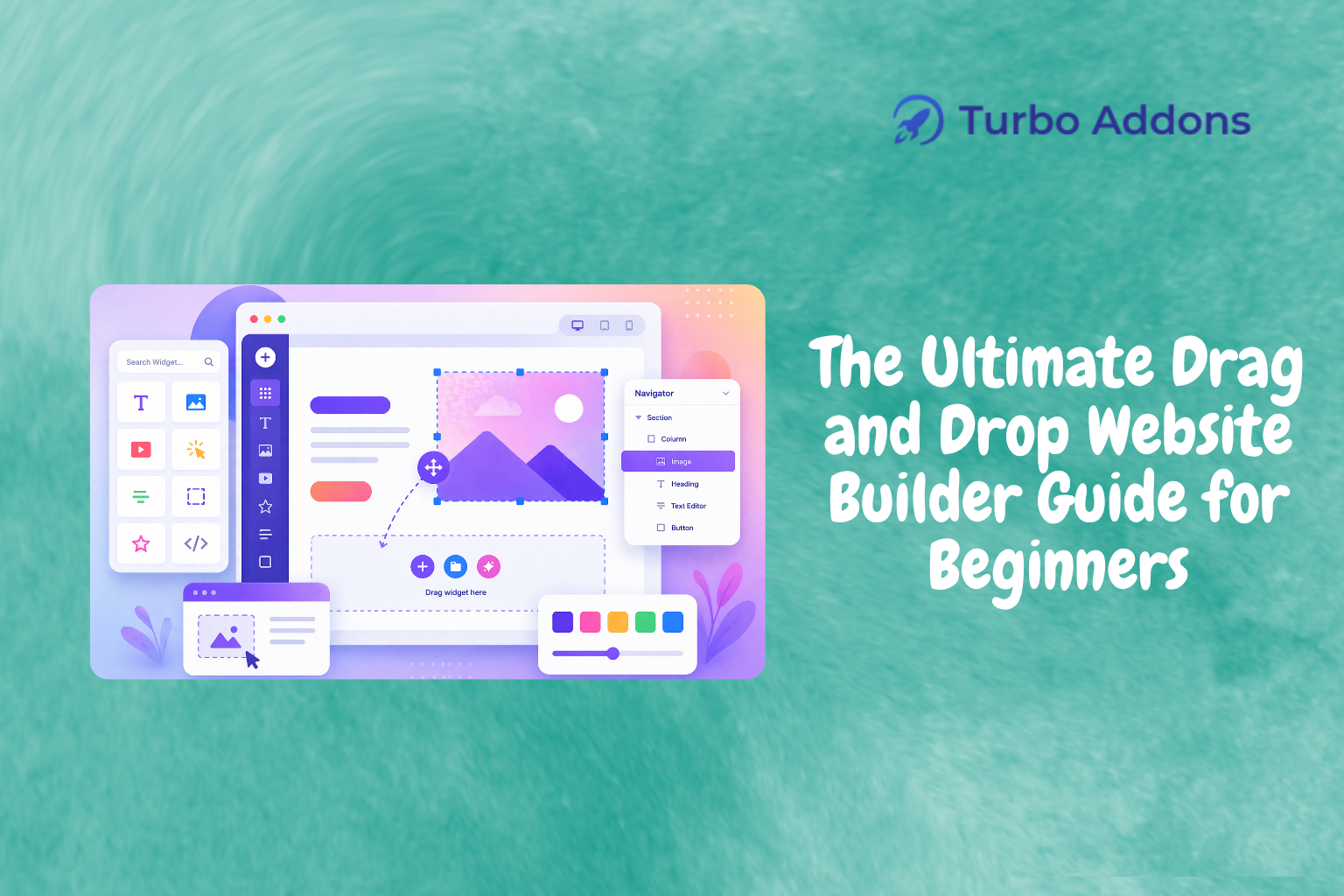
A drag-and-drop website builder is a platform that allows users to create a website interface by simply dragging and dropping elements onto the page. Unlike traditional methods requiring coding expertise, these builders simplify the design process, making it accessible for anyone looking to build a personal or professional website. With growing demands for a quick online presence, these tools cater to small business owners, freelancers, and enthusiasts who desire creative control without technical hurdles.
The concept exists to offer a user-friendly approach to design, helping non-developers turn their ideas into reality. It’s particularly valuable for startups and small enterprises where budgets might limit the hiring of professional web developers. By significantly reducing the need for technical know-how, drag-and-drop builders empower users to design, test, and launch their sites faster.
Diving into Drag and Drop Website Builders
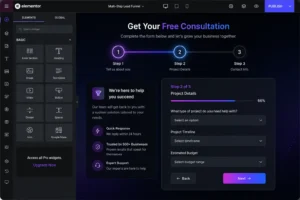
Drag-and-drop website builders offer numerous benefits and features that appeal to those unfamiliar with traditional web development. Platforms like Elementor are especially popular among WordPress users for their flexibility. The core of Elementor’s experience lies in its visual editor, allowing seamless control over page layouts through dynamic drag-and-drop options.
For beginners, this process eliminates the complexity associated with coding. Many builders integrate AI, adding an extra layer of convenience with smart suggestions and auto-layout adjustments. One such example is Turbo Addons for Elementor, which offers a stellar toolkit designed to enhance the user experience within the builder framework. You can explore more about these enhancements on Turbo Addons’ official site.
Choosing a drag-and-drop website builder is not just about ease of use. It’s about selecting a tool that offers rich design features, a vast template library, and supports seamless updates. Builders often provide plugins and additional widgets, expanding functionality and design appeal. For instance, with over 85 widgets, Turbo Addons encompass every imaginable need, ranging from creative visuals to complex dynamic content arrangements.
Furthermore, such builders refine workflows by allowing design elements to be quickly adjusted and optimized. This directly impacts development speed and visual aesthetics. This flexibility is key for agencies working on multiple projects. It offers them the capability to meet diverse client needs without starting from scratch each time.
Types of Widgets
Widgets are integral components of any drag-and-drop builder, providing predefined functionality and design elements. With Turbo Addons for Elementor, users access a comprehensive widget library arranged into six major categories: Content, Creative, Dynamic, Marketing, Social, and WooCommerce widgets. Each category serves specific needs, from crafting engaging text animations to implementing e-commerce functionalities.
For instance, creative widgets like the Hero Slider and 3D Flip Box add visual dynamics. Meanwhile, dynamic widgets, such as Post Lists and Timelines, facilitate content organization and aesthetic arrangement. Turbo Addons provide extensive coverage, ensuring adaptability to any website’s structure and purpose.
Social engagement is boosted with free social widgets. Meanwhile, WooCommerce widgets empower e-commerce platforms through user-friendly product displays and checkout designs. Explore Turbo Addons’ full widget list to see the variety and capabilities offered. This demonstrates the builder’s vast potential and customization options.
Pricing
Pricing for drag-and-drop website builders varies widely, often based on features, scalability, and support options. For example, Turbo Addons offers free plans alongside three paid tiers adaptable to different user needs. These range from individual users to large agencies managing numerous sites.
Here’s a brief look at Turbo Addons’ plans:
| Plan | Sites | Price/yr | Widgets | Templates | Support |
|---|---|---|---|---|---|
| Free | Unlimited | $0 | Limited | Limited | Yes |
| Personal | 2 Sites | $24.99 | 85+ | 100+ | Yes |
| Business | 10 Sites | $49.99 | 85+ | 100+ | Yes |
| Agency | 1,000 Sites | $119.99 | 85+ | 100+ | Yes |
Why It Matters
The importance of an effective website builder cannot be overstated. In an age where online presence is synonymous with business identity, drag-and-drop builders offer a hassle-free solution to get ideas off the ground swiftly. By bringing professional design capabilities within reach of anyone, these tools vastly democratize the web development landscape.
Moreover, these builders foster creativity by allowing individuals to try different layouts and effects effortlessly. The trial-and-error process becomes enjoyable and insightful, encouraging users to explore beyond conventional design norms. This nurturing ground for creativity results in unique and engaging sites that feel personal and not just another template.
For businesses, time is money. The speed and ease with which sites can be constructed using these builders reduce project timelines significantly. This rapid deployment not only satisfies immediate business needs but also allows solutions to evolve as enterprises grow or market demands shift.
How It Works
Operating a drag-and-drop website builder involves a few key steps. Initially, users select from available templates, serving as a foundational design. Upon this, elements can be added or modified. This flexibility ensures a level of customization that meets specific aesthetic preferences.
Next, users drag desired widgets and features into placeholders or create sections by selecting from their dashboard. Dynamic content widgets in Turbo Addons, for example, provide advanced customization options through visually intuitive interfaces. These tools help achieve professional-grade results without complex coding.
Finally, real-time preview capabilities allow users to ensure visually appealing, fully functional sites before publishing. Turbo Addons’ robust support ensures any emerging challenges are quickly addressed. This guides users to successful launches and satisfied clients.
What’s Next?
The path to a stunning website begins with choosing the right tool. Visit Turbo Addons to download free resources or consult the dedicated support team ready to help you build with confidence. This Drop Website Builder Guide has walked you through the essential features, widgets, and pricing to consider. Now you are equipped to make an informed decision and start creating your online presence effectively.
FAQs
What is a drag-and-drop builder?
A drag-and-drop website builder is a tool that allows users to create websites by dragging and dropping elements onto a page. It eliminates the need for coding, making web development accessible to everyone from beginners to professionals. The intuitive interface allows users to design intricate elements and layouts without technical expertise. This lets users focus instead on creativity and content placement to bring unique ideas to fruition.
How does Turbo Addons enhance Elementor?
Turbo Addons enhances the Elementor experience by providing over 85 customizable widgets and 200+ templates, boosting the platform’s versatility. Its WooCommerce integration further empowers online stores, offering e-commerce functionalities right out of the box. By extending Elementor’s capabilities, Turbo Addons allows users to create visually stunning and function-rich websites without writing code. This leverages drag-and-drop simplicity for impactful results.
Are drag-and-drop builders suitable for e-commerce?
Yes, drag-and-drop builders like those enhanced by Turbo Addons are highly suitable for e-commerce. With dedicated WooCommerce widgets, users can easily build and manage product pages, enabling professional online store design and management. These tools support seamless inventory arrangements, customer interactions, and aesthetically pleasing layouts. This streamlines the creation of a complete e-commerce experience, thereby supporting business growth and user engagement.
Can I switch builders later?
Switching builders later is possible but can involve data migration challenges. Before selecting a builder, consider its long-term suitability for your needs. Evaluate options like Turbo Addons that offer scalability, wide-ranging features, and robust support for future flexibility. While platform changes are feasible, starting with a comprehensive tool that grows with your needs minimizes hassles. This ensures continuity and efficiency.
Featured image: https://turbo-addons.com/wp-content/uploads/2026/04/Turbo-Addons-2.png