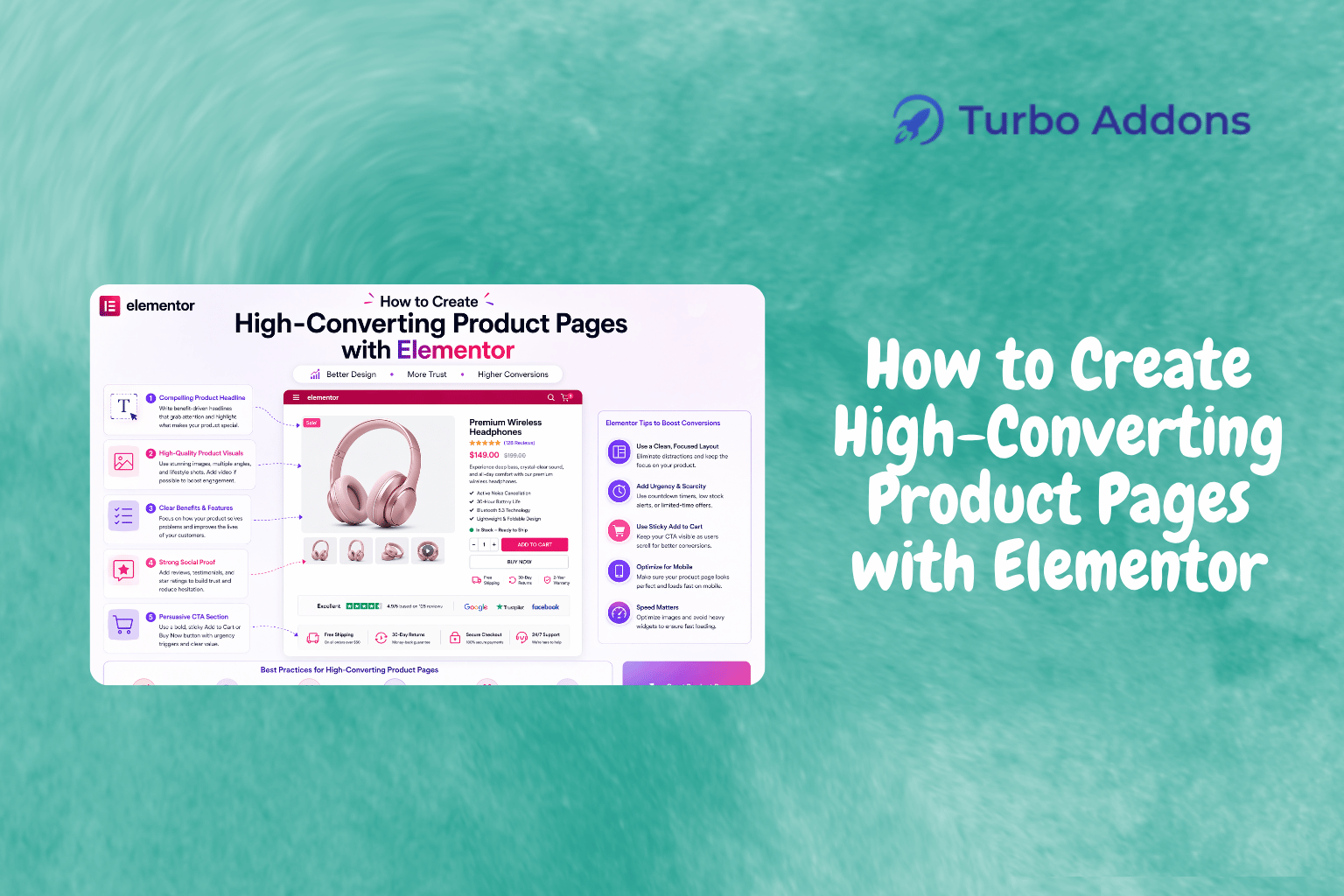
How to Create High-Converting Product Pages with Elementor
In the bustling world of e-commerce, having a high-converting product page is crucial for success. According to recent studies, optimized landing pages can increase conversion rates by up to 300%. This underlines the importance of effectively designed product pages that capture the customer’s attention and guide them towards a purchase. In this blog post, we’ll explore how you can create high-converting product pages with Elementor, a popular WordPress plugin renowned for its flexibility and ease of use.
The goal is to provide you with concrete steps and insights that will aid in maximizing the potential of your product pages. From understanding the core elements that make a page convert to how Elementor’s features can be leveraged to enhance user engagement, we’ve got you covered. Whether you’re a seasoned developer or a small business owner, this guide will help you create product pages that not only attract but convert visitors into paying customers.
What Is a High-Converting Product Page?
A high-converting product page is specifically designed to persuade visitors to complete a purchase. Unlike regular pages, these are strategically crafted to integrate engaging visuals, concise copy, compelling calls to action, and other elements that contribute to a user’s decision-making process. The idea is to minimize distractions and keep the focus on the product’s benefits and features.
This concept exists because e-commerce is highly competitive. The difference between a successful product and a failure often comes down to how well the product is presented. These pages are intended for online sellers, marketers, and web designers looking to enhance their site’s conversion rate. By employing user-centric design and data-driven insights, a product page can effectively channel casual browsers into buyers.
Creating High-Converting Product Pages with Elementor
Building effective product pages involves both strategy and creativity. Elementor offers a user-friendly interface that allows developers to craft attractive pages effortlessly. This drag-and-drop tool has gained popularity for its ability to deliver pixel-perfect designs without requiring any coding skills.
One of the key features of Elementor is its vast array of customizable templates. You can choose from hundreds of pre-designed templates tailored to different industries. With the Turbo Addons for Elementor, you can access extra widgets and templates to further refine your page’s design.
Elementor’s dynamic content capabilities enable you to personalize the user experience. By integrating elements like custom headers, footers, and pop-ups, you can guide visitors through a seamless journey towards purchase. This level of customization is vital for creating a unique and compelling experience.
Speed is another essential factor; Elementor provides built-in tools to ensure fast loading times, enhancing user satisfaction. By utilizing server-side rendering and optimized code, you ensure your product pages don’t lag, maintaining a smooth user experience.
Integrating SEO into your Elementor design is equally important. Using SEO-friendly widgets and structure within Elementor ensures your product pages rank higher, drawing more organic traffic. Combined with well-crafted content, this forms the backbone of a high-converting landing page strategy.
Types of Widgets for Product Pages
Elementor’s extensive widget library is a crucial part of building high-converting product pages. For instance, content widgets such as the Advanced Heading, Image Carousel, and Info Box can make your descriptions engaging and informative. Creative widgets like the Hero Slider and 3D Carousel add visual flair.
For e-commerce, WooCommerce widgets come into play. Using widgets like WOO Product Title, WOO Product Description, and WOO Product Rating, you can provide comprehensive product details that appeal to potential buyers. The WOO Add to Cart button simplifies the purchase process, and the WOO Product Navigation helps users explore related products effortlessly.
These widgets not only enhance the visuals but also contribute to the user’s decision-making. By integrating them thoughtfully, you create product pages that are not just visually appealing but strategically optimized for conversion. Visit Turbo Addons for a full range of available widgets.
Pricing
Pricing for Elementor and its related add-ons can vary, but understanding the options is key to choosing the right plan for your needs. Turbo Addons for Elementor provides both free and premium plans to accommodate different budgets.
The free tier offers access to a limited selection of widgets and templates, while paid plans unlock the full suite of features. Starting at $24.99 annually for personal use on two sites, up to $399.99 for a lifetime agency license covering 1,000 sites, there’s flexibility based on project scope and requirements.
Why High-Converting Product Pages Matter
High-converting product pages are integral to boosting sales and enhancing online visibility. They play a critical role in reducing bounce rates and increasing the time visitors spend on your site. By creating tailored experiences, businesses can directly engage their audiences, fostering a sense of connection and trust.
Furthermore, optimized product pages contribute to building brand credibility. By offering clear, visually appealing, and user-friendly layouts, you communicate professionalism and attention to detail. This trust translates into customer loyalty and repeat business.
Lastly, high-converting pages provide valuable data insights. By analyzing user behavior and engagement patterns, businesses can refine their strategies and make informed decisions. These insights empower marketers and designers to continually improve and adapt to evolving market needs.
How to Create High-Converting Product Pages
Creating a high-converting product page with Elementor begins with selecting the right template. The platform offers a wide range of customizable options that cater to specific niches and styles. Whether you’re selling tech gadgets or fashion apparel, there’s a suitable template that meets your needs.
Once you’ve chosen a template, customization is straightforward. Elementor’s intuitive editor allows you to modify elements, adjust layouts, and insert new widgets with ease. Advanced styling options enable you to align the design with your brand’s aesthetic.
Finally, the integration of SEO and analytics tools within Elementor helps you track performance and optimize for search engines. By ensuring your pages are both visually and technically optimized, you lay the groundwork for increased visibility and conversions.
Call to Action
Ready to elevate your product pages with Elementor? Visit Turbo Addons for Elementor to access powerful tools and templates that will transform your approach to e-commerce product page design.
FAQs
What happens after I purchase a plan?
After purchasing a Turbo Addons plan, you’ll receive an email containing a license key and a download link. This key allows you to activate your subscription through the WordPress dashboard under Turbo Addons settings. The plugin can then be utilized to enhance your site’s design capabilities, ensuring access to the full suite of widgets and templates.
Can I use my license on multiple websites?
Yes, the licensing options cater to different needs. The Personal Plan is valid for use on two websites, while the Business Plan extends to ten sites. The Agency Plan covers up to 1,000 sites, making it suitable for digital agencies managing various projects. To activate, simply navigate to the Turbo Addons settings in WordPress and enter your license key.
Do I need Elementor Pro to use Turbo Addons?
No, Turbo Addons is compatible with both the free and Pro versions of Elementor. While some advanced features may work best with Elementor Pro, the core functionalities of Turbo Addons are fully operational on the free version, making it an accessible option for beginners and experts alike.
What types of websites can I build with Turbo Addons?
Turbo Addons provides the flexibility to build a wide variety of websites. From business and corporate pages to personal blogs and e-commerce stores, the comprehensive toolset supports multiple project types. Whether you’re aiming for a professional portfolio or a dynamic landing page, Turbo Addons offers the resources you need to bring your vision to life.
Featured image: https://turbo-addons.com/wp-content/uploads/2026/04/Turbo-Addons-13.png