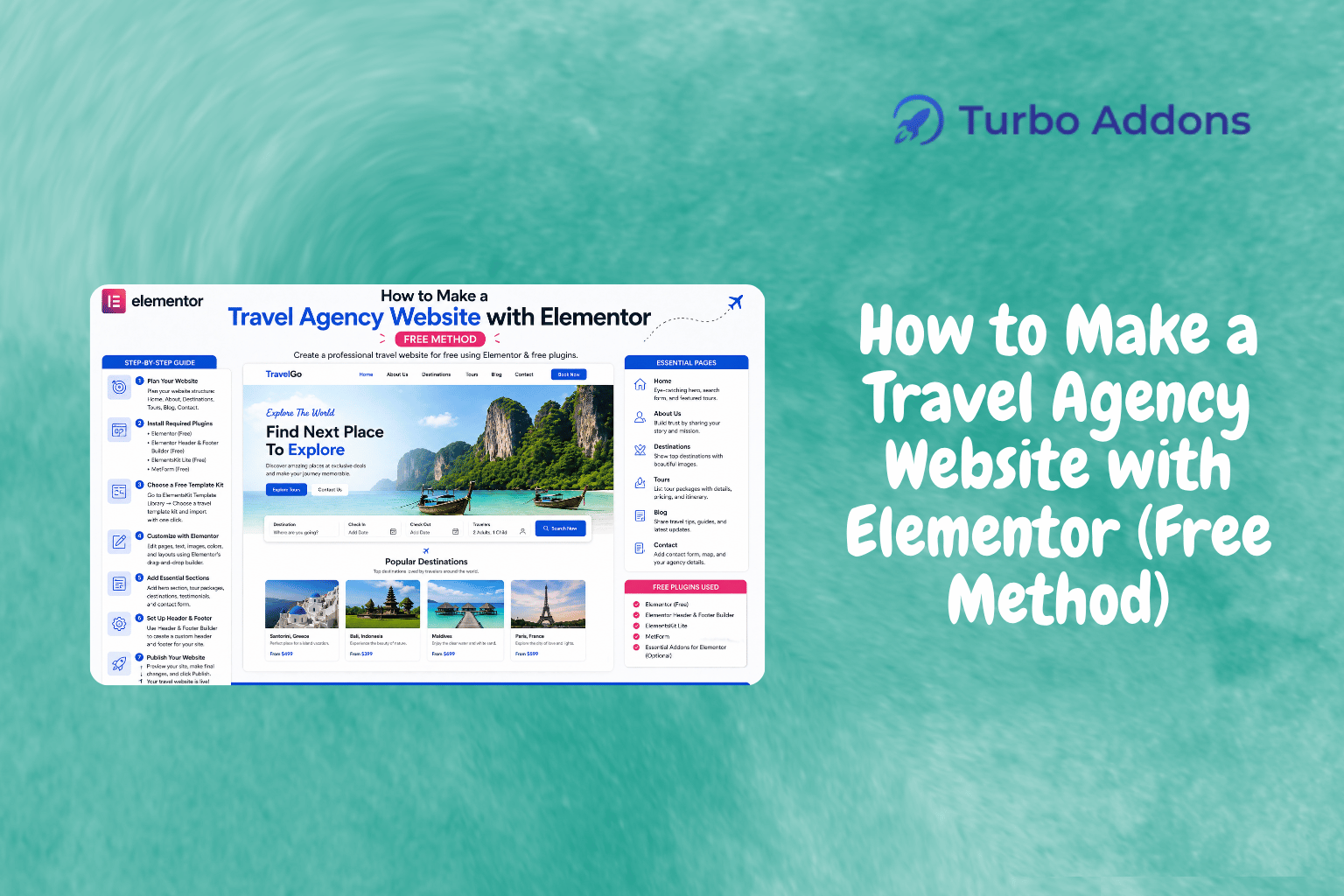
How to Create a Travel Agency Website with Elementor (Free Method)
According to a recent report, the travel industry is expected to recover and reach a market size of $1,481 billion by 2025. The demand for seamless online travel bookings and experiential journeys has prompted travel agencies to strengthen their online presence. For businesses in the tourism sector, having a robust website is no longer optional; it’s a necessary tool to engage clients, showcase destinations, and facilitate bookings. In this guide, we will explore how to create a travel agency website using Elementor, utilizing free resources and templates that make it accessible for anyone without technical skills.
This article provides a step-by-step process to create a travel agency website from scratch using Elementor. We will delve into selecting the appropriate Elementor templates, understanding key widgets, and accessing additional tools via Turbo Addons for customization. By the end of this guide, you should be well-equipped to build a professional website that effectively displays your travel offerings.
What Is Elementor?
Elementor is a popular page builder for WordPress, allowing users to create visually appealing websites without coding. Unlike traditional methods which demand HTML, CSS, or JavaScript expertise, Elementor offers a drag-and-drop interface, making web design accessible to everyone. By using predefined templates and content blocks, users can build compelling web pages quickly.
This intuitive tool is particularly advantageous for travel agencies aiming to showcase breathtaking visuals of destinations and excursions. Its ease of use empowers travel consultants and marketing teams to focus on aesthetic and functional design components. Elementor isn’t confined to limited design options; it integrates with various plugins, such as Turbo Addons, to further expand its capabilities.
Building a Travel Agency Website with Elementor
Starting to create a travel agency website with Elementor begins with selecting a suitable WordPress theme, such as Astra or OceanWP, which are compatible with Elementor. Once your theme is active, you can proceed to install the Elementor plugin directly from the WordPress repository. This plugin, even in its free version, offers a good foundation to start building your website.
Next, browse through the Elementor library to find a travel-specific template that complements your agency’s style and branding. Templates like “Travel Agency” or “Hiking Adventures” offer predefined sections where you can showcase featured trips, customer testimonials, and booking forms. To access more premium and niche-specific templates, Turbo Addons offers a vast library, including categories like Electric Vehicle, Investor Relations, and Travel Agency. These are imported with a single click, ensuring your website looks professional from the get-go.
When it comes to content, focus on using high-quality images and compelling descriptions of your itineraries. Elementor’s image widget, coupled with Turbo Addons’ advanced headings and shapes, can beautifully display key visuals. Various call-to-action buttons and forms can be added to encourage visitors to book immediately or request more information.
Finally, make sure to customize your site’s header and footer using Turbo Addons’ drag-and-drop builder. This allows you to maintain consistency and brand recognition across all pages, enhancing the user’s navigation experience. Ensuring mobile responsiveness, available as part of Elementor and Turbo Addons’ standard offerings, means your website will look great across devices.
Essential Widgets for Travel Sites
Widgets form the backbone of Elementor’s flexibility, enabling users to add functionalities without touching any code. The default version comes with around 30 widgets, including image carousels, buttons, headings, and forms. However, expanding your widget library with Turbo Addons can significantly elevate your design capabilities.
Turbo Addons offers over 85 widgets, with specific options for travel sites such as the Logo Carousel, Data Table, and Interactive Image Overlay, ideal for showing destinations. For travel agencies incorporating ecommerce, WooCommerce-specific widgets like the Product Image, Add to Cart, and Product Price are invaluable. They allow detailed tour bookings directly from your site. For more on these widgets and others, visit Turbo Addons.
Pricing
Elementor is available as a free plugin on WordPress.org, suitable for starters wanting to explore basic features. For more extensive website needs, such as advanced templates and widgets, Elementor offers a Pro version at varying annual costs. The Pro version unlocks additional design options, ideal if you plan to scale your site.
Turbo Addons complements Elementor by offering additional paid plans. Annual plans start as low as $24.99 to $119.99 depending on the number of sites. Lifetime plans are also available for those committed to long-term use, ranging from $159.99 to $399.99. Each plan enhances your Elementor with extra widgets and ongoing support.
Why It Matters
Having a dedicated website tailored to your travel agency’s offerings gives you an edge in a competitive industry. An online presence serves as your agency’s digital storefront, welcoming potential clients to explore the trips and experiences you offer. With a robust online platform, you can effectively converse with a global audience, providing details and services without the constraints of physical locations.
Using Elementor, especially with enhancements from Turbo Addons, allows you to present your business in a modern, inviting manner. Clean, responsive designs make navigation a breeze for visitors on any device. As users increasingly prefer to research and book travel plans online, showcasing an optimized website aligns perfectly with consumer expectations.
Lastly, optimizing user experience through thoughtful widget selection and design choices increases the likelihood of conversions. A website that seamlessly guides visitors from landing page to booking not only improves sales prospects but also builds lasting relationships by instilling confidence and reliability in your brand.
How It Works
To create a travel agency website with Elementor, begin by selecting and setting up a suitable WordPress theme. Once Elementor is activated, you can start customizing pages using its user-friendly editor. With the drag-and-drop mechanism, developers and non-developers alike can configure layouts without deep technical knowledge.
Adding widgets is straightforward, offering a range of default and additional options through integrations like Turbo Addons. Simply drag desired functionalities into your design canvas to create interactive contact forms, image sliders, and other engaging elements. Align content and images cohesively to present a unified look across your site.
Ensuring your site is mobile-friendly is crucial, achieved through Elementor’s responsive settings. Turbo Addons enhances this capability by provision of additional responsive controls, ensuring no design discrepancies. Regular updates and community support further cement Elementor and Turbo Addons as reliable partners in your web development journey.
Get Started
Whether you are an established travel agency or starting out, building a website with Elementor is accessible and effective. Use Turbo Addons to further specialize your site to your needs. To begin, visit Turbo Addons for more resources and support.
FAQs
Do I need Elementor Pro to use Turbo Addons?
Turbo Addons is compatible with both free and Pro versions of Elementor. However, using Elementor Pro could enhance certain features and provide additional design capabilities. If you’re planning to use complex layouts or widgets not available in the free version, the Pro version can be advantageous.
What kind of support does Turbo Addons offer?
Turbo Addons includes ongoing support and updates for all its paid plans. These updates ensure you’re always benefiting from the latest features and performance improvements. Additionally, should you encounter any issues, you can reach out to their support team for help resolving concerns.
Can I upgrade my plan later?
Yes, upgrading your plan with Turbo Addons is quite straightforward. When you find that you require additional functionalities or support, you can comfortably upgrade by paying the difference between your current plan and the new level you wish to access. This flexibility is beneficial as your website’s needs evolve.
Is there a trial version for Turbo Addons?
While Turbo Addons does not offer a formal trial version, you can begin using it for free with limited access to widgets and templates. This allows you to experience the product’s functionality before deciding on a paid plan that provides full access and premium features.
Is Turbo Addons suitable for e-commerce websites?
Absolutely. Turbo Addons provides over 20 dedicated WooCommerce widgets that make building e-commerce pages simple and effective. If your travel agency includes a shop or product-related offerings, these widgets can support everything from product showcases to customized checkout flows.