How to Optimize Elementor Landing Pages for Higher Conversions
In the world of digital marketing, landing pages are crucial for converting visitors into leads or customers. A well-optimized landing page can boost conversion rates significantly. For example, it’s been observed that by improving the structure and speed of your landing page, conversion rates can increase by as much as 30%. Knowing how to optimize Elementor landing pages is a strategic necessity for marketers and developers. This post will take you through key elements to consider when optimizing your Elementor landing pages to achieve higher conversions.
In the following sections, you’ll learn more about what makes Elementor a popular choice, how to enhance its performance, and what steps you can take to ensure your landing pages are working efficiently. The goal is to capture interest and convert browsers into customers. From design aspects to integrating Turbo Addons, you’ll find actionable insights to leverage Elementor to its full potential.
What Is an Elementor Landing Page?
An Elementor landing page is built using the Elementor page builder plugin for WordPress. It’s designed to stand alone, separate from your main website. Its purpose is to fulfill a specific call to action such as collecting emails, selling products, or promoting new content. The primary focus is on presenting a clear, actionable message to your visitors.
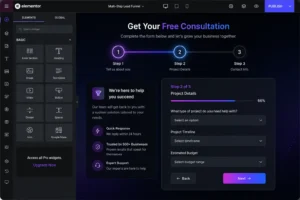
This approach exists because landing pages tend to have higher conversion rates than standard web pages. They are stripped of unnecessary distractions, providing just enough information to capture interest without overwhelming the viewer. Elementor’s easy drag-and-drop interface enables even non-coders to craft visually appealing, effective landing pages tailored to diverse purposes.
Key Strategies to Optimize Elementor Landing Pages
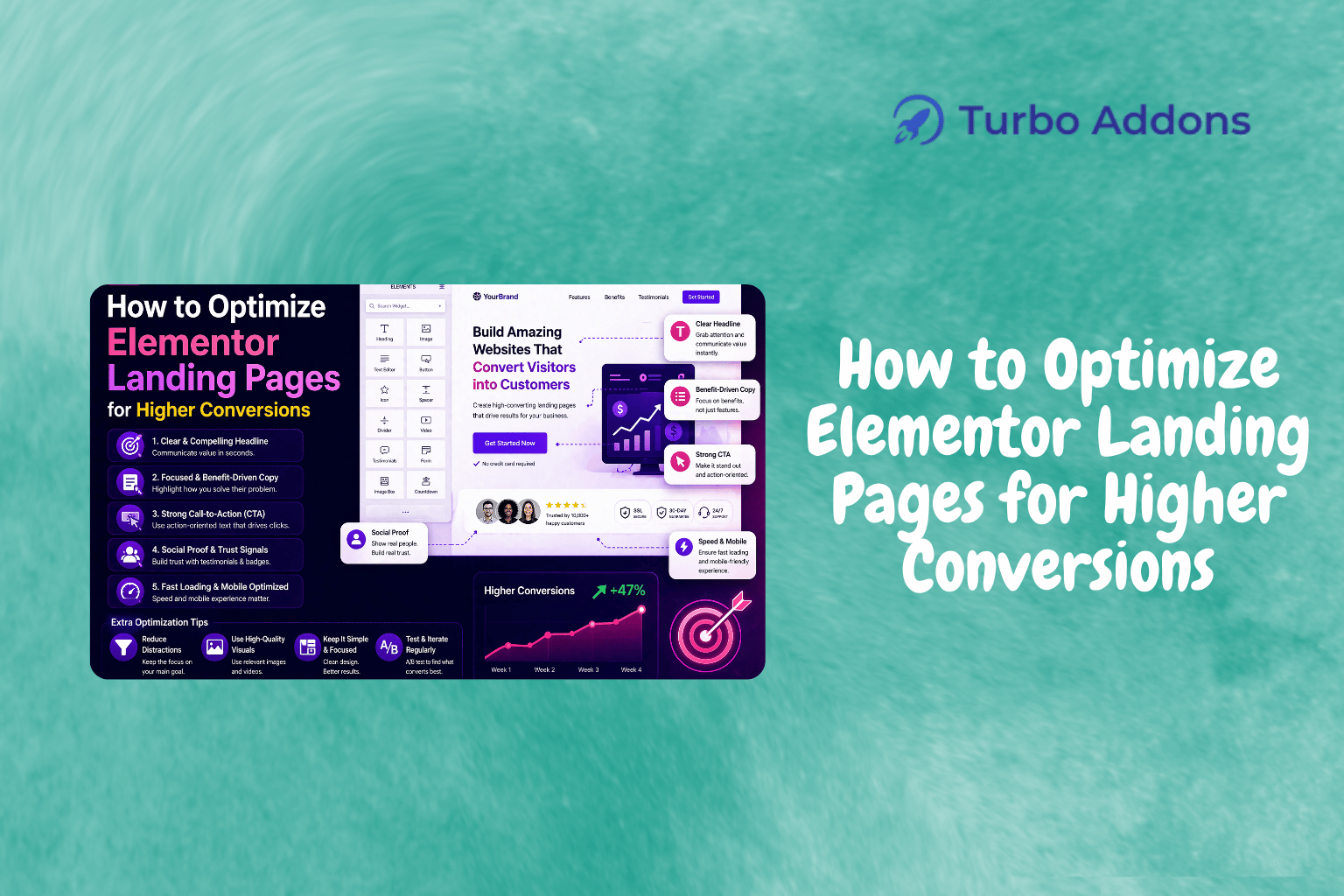
To optimize Elementor landing pages for higher conversions, consider the user experience first. Speed is a crucial factor. Slow-loading pages can lead to customer drop-off. Use Elementor’s “Improved Asset Loading” feature to load only the necessary CSS and JavaScript files. This reduces load time and enhances user experience.
Structure your landing page to guide the visitor’s eye towards the call-to-action (CTA). Use clean, simple designs without clutter. Ensure headlines are compelling and that crucial information is above the fold. You want the reader to understand your offer instantly upon visiting your page.
Turbo Addons for Elementor comes in handy to extend your design options. With over 85 widgets and numerous templates, Turbo Addons supercharges Elementor’s capabilities. You can create more engaging layouts and integrate elements. These include accordion menus, countdown timers, and WooCommerce-specific widgets to suit different campaign needs.
Additionally, conduct A/B tests to see which designs and messages resonate best with your audience. Utilize the data you gather to make informed decisions on further adjustments. Testing and tweaking your design aren’t just recommended; they’re necessary for continuous improvement.
Types of Widgets
Elementor, enhanced by Turbo Addons, offers a wide array of widgets to elevate your landing page’s functionality and appeal. Content widgets, such as Advanced Headings and Image Carousels, help present core messages dynamically. Creative/Visual widgets introduce elements like 3D Flip Boxes and Hero Sliders. These add depth and interest to your design.
Dynamic content widgets, suitable for blogs and news sites, include Post Lists and Post Categories. Marketing widgets like Pricing Tables and Testimonial Sliders maximize your page’s ability to convey credibility and value. WooCommerce widgets enhance the capability to build robust eCommerce web pages. They offer individual product details and purchasing features all within Elementor.
Pricing
The Turbo Addons plugin provides different tiers based on usage and features. This makes it accessible for various requirements. There is a free tier with limited widgets. Paid plans offer complete access to all features alongside premium support.
| Plan | Sites | Price/yr | Widgets | Templates | Support |
|---|---|---|---|---|---|
| Free | Unlimited | $0 | Limited | Limited | Yes |
| Personal | 2 Sites | $24.99 | 85+ | 100+ | Yes |
| Business | 10 Sites | $49.99 | 85+ | 100+ | Yes |
Why It Matters
Knowing how to optimize Elementor landing pages for higher conversions is essential in today’s competitive digital landscape. As businesses increasingly rely on online platforms, maximizing the value generated from each visitor becomes crucial. By enhancing landing pages, businesses can see tangible improvements in engagement. This can be measured through sign-ups, purchases, or inquiries.
Moreover, an optimized landing page creates a professional image for your brand. It ensures that visitors have a smooth and compelling experience. This increases the likelihood they will take action. The confidence and trust built through streamlined functionality and clear messaging can significantly influence conversion rates.
Finally, integrating tools like Turbo Addons streamlines the design and optimization process. By providing additional functionalities and design options, Turbo Addons empowers users to craft engaging pages without the need for extensive coding skills. This democratizes the ability to create high-quality landing pages. It enhances accessibility for businesses of all sizes and in various sectors.
How It Works
Employing Elementor for landing page creation involves a few simple steps. These guide users smoothly from concept to execution. Starting with layout selection, users can choose from various pre-designed templates provided by Turbo Addons. Alternatively, they can create a page from scratch, incorporating customized sections and widgets to suit specific needs.
Once the basic framework is established, the drag-and-drop feature of Elementor helps in adding desired widgets. For instance, content sliders, marketing buttons, and forms can be included seamlessly using Turbo Addon’s widgets. Each widget is designed to be intuitive. It enables quick customization of content, colors, fonts, and more, directly within the page editor.
Finally, the open compatibility with various WordPress themes ensures your landing page looks great regardless of the template you choose. The integration with WooCommerce through dedicated widgets further amplifies its capabilities. This makes it an all-in-one solution for eCommerce businesses looking to harness the power of refined landing pages to drive conversions and sales.
CTA
For those looking to take their Elementor landing pages to the next level, integrating Turbo Addons can offer a substantial upgrade in both flexibility and functionality. Visit turbo-addons.com to see how their suite of tools can enhance your digital marketing efforts effortlessly.
FAQs
Do I need a coding background to use Elementor with Turbo Addons?
Not at all. Elementor and Turbo Addons are designed to be user-friendly. They allow users with minimal or no coding experience to create complex designs. The drag-and-drop interface means you can build professional pages simply by placing elements where you want them.
How can Turbo Addons specifically help with landing page conversions?
Turbo Addons provides a wealth of widgets and design options to enhance your landing page. These include attention-grabbing sliders, testimonials, and pricing tables. These elements help visitors engage with the content more effectively, increasing the likelihood of conversion.
Is Turbo Addons compatible with all WordPress themes?
Turbo Addons is designed to be compatible with most WordPress themes. This ensures your site retains a consistent look and feel regardless of any structural changes you make with Elementor. It fits seamlessly, enhancing your existing setup without the need for substantial changes.