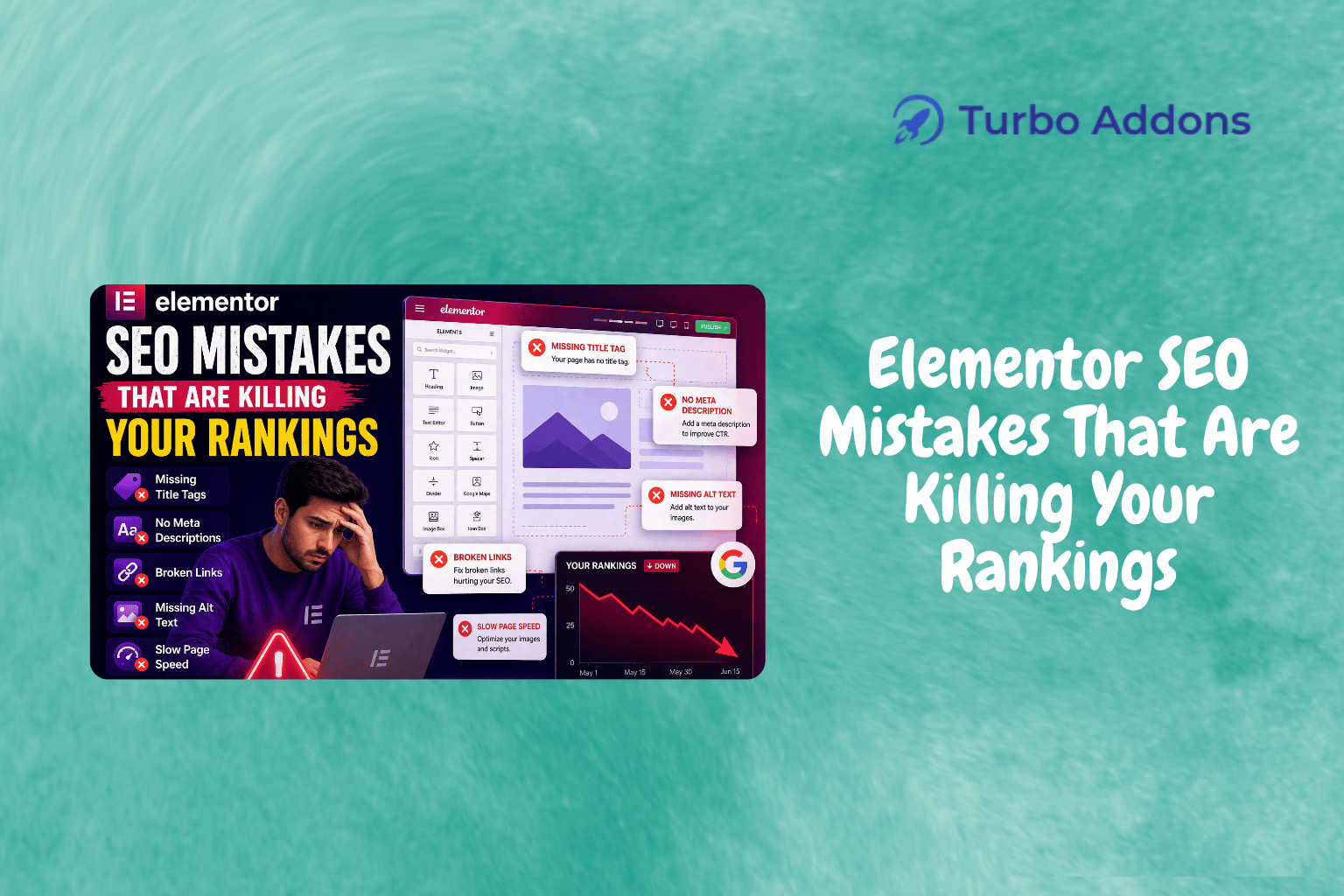
Elementor SEO Mistakes That Are Killing Your Rankings
It’s no secret that page builders like Elementor have revolutionized website design, offering users a drag-and-drop interface to create stunning websites. However, not every design decision translates to SEO success. According to a study, websites that experience a load time delay of just one second can see a 7% decrease in conversions. Poor SEO practices can have an even more dramatic impact on your site’s visibility. This kind of data illustrates the need to be vigilant about SEO when designing with Elementor.
This article will delve into specific Elementor SEO mistakes that are commonly made when using Elementor, how these mistakes can damage your site’s search visibility, and how to rectify them. You’ll walk away with actionable insights to improve your Elementor site’s performance in search engines and ensure that your design efforts translate into real business results.
What Is Elementor SEO?
Elementor SEO refers to the practices and strategies applied to optimize web pages built using the Elementor page builder for search engines. Due to its ease of use and flexibility, Elementor has become a widely used tool among WordPress users for crafting visually appealing websites. However, without proper SEO consideration, these visual riches may remain hidden from potential visitors.
The need for Elementor SEO arises from the fact that, while the plugin provides numerous design features, it does not automatically ensure that a website will rank well in search engines. Poor optimization can impact page speed, mobile responsiveness, and overall user experience. Each of these are crucial factors that search engines consider when ranking pages. Therefore, understanding and applying best SEO practices in Elementor is essential for anyone looking to maximize their site’s search visibility.
Common Elementor SEO Mistakes
One of the most common Elementor SEO mistakes is failing to optimize images. This can significantly impact the loading speed of your website, which is a key ranking factor. High-resolution images often result in slower-loading pages. This decreases user satisfaction and increases bounce rate. To fix this, use image compression tools before uploading images to your site. Also, ensure you’re using the proper formats like WebP where possible.
Another pitfall is overlooking structured data. Elementor makes it easy to add content, but many users fail to leverage structured data markup. This markup helps search engines understand your content better. Without it, your content might not appear in rich search results or knowledge graphs. Implementing schema markup for articles, products, and other relevant types can enhance visibility in SERPs and increase click-through rates.
Moreover, improper use of headings in Elementor can confuse search engines about the structure of your content. Headings guide the SEO engines through your content hierarchy. Using headings incorrectly or failing to include them can diminish your SEO efforts. Stick to a clear hierarchy with H1 for the main title, followed by subsequent headings for subcategories.
Furthermore, inadequate attention to page speed can critically affect SEO. Elementor is feature-rich, but excessive use of widgets and elements can lead to bloated pages. Lazy loading and using a content delivery network (CDN) can dramatically improve load times. Consider plugins that offer performance enhancements to help you with this aspect. For more insights on optimizing speed, Turbo Addons provide solutions that can complement your Elementor setup — learn more here.
Types of Widgets in Elementor
Elementor provides a diverse selection of widgets that cater to a wide range of needs. These are not just about aesthetics but also about enhancing functionality. Content widgets such as text editors, image boxes, and testimonial sliders allow you to populate your site with rich content and engage your audience more effectively.
On the creative side, Turbo Addons offer specialized widgets like Hero Sliders and 3D Flip Boxes, which can elevate your website’s appeal. WooCommerce users will find Turbo Addons’ dedicated WooCommerce widgets exceptionally useful for creating product pages that convert visitors into customers effectively. Explore the full suite of widgets on the Turbo Addons website to discover tools that can help you enhance both the look and performance of your site.
Pricing for Turbo Addons
For Turbo Addons, pricing begins with a free tier offering limited widgets and templates. The paid plans expand upon this significantly:
| Plan | Sites | Price/yr | Widgets | Templates | Support |
|---|---|---|---|---|---|
| Free | Unlimited | $0 | Limited | Limited | Yes |
| Personal | 2 | $24.99 | 85+ | 100+ | Yes |
| Business | 10 | $49.99 | 85+ | 100+ | Yes |
| Agency | 1000 | $119.99 | 85+ | 100+ | Yes |
Each tier offers comprehensive support and regular updates, ensuring your site remains competitive and reliable.
Why It Matters for SEO
The importance of optimizing your Elementor site for SEO cannot be overstated. With search engines being one of the primary traffic sources for most websites, ensuring that your site ranks well can have a direct impact on your bottom line. Elementor’s rich features provide ample opportunity to shine in terms of design. However, it’s the harmonious interplay of these elements with SEO best practices that will drive the results you hope to achieve. Avoiding these Elementor SEO mistakes is a critical part of that process.
In today’s digital landscape, speed is synonymous with user satisfaction. Poor page speed negatively affects user experience and search engine rankings, which might lead to a loss in potential conversions. By prioritizing speed enhancements, you create a more responsive and engaging experience for users. This keeps bounce rates low and satisfaction high.
Lastly, the visibility of your site hinges on how well-optimized it is for search engines. Ensuring that the technical aspects of SEO are covered, including mobile responsiveness, fast load times, and structured data, will not only make your site more accessible to search engines. It will also provide a better user experience, which can improve dwell time and customer engagement.
How to Improve Elementor SEO
To improve your Elementor site’s SEO performance, start with a comprehensive audit. Identify issues related to speed, mobile-friendliness, and other critical aspects that can diminish your search rank. Use tools like Google PageSpeed Insights to diagnose and address these areas for improvement.
Incorporate a strategic approach to widget and element usage. Ensure that every component on your page serves a purpose, whether it’s enhancing interactivity or contributing to the overall SEO strategy. Leverage tools like Turbo Addons to access advanced widgets that not only boost aesthetics but also functionality. Understanding how to avoid Elementor SEO mistakes will help you build a stronger site.
In terms of technical execution, consider the way Elementor structures content. Implement best practices in terms of accessing and setting the right header tags and ensure the balanced use of keywords and media formats. Don’t let beautiful design come at the cost of reduced discoverability on search engines.
Ready to Optimize Your Site?
Ready to improve your Elementor site’s visibility and performance? Enhance your site’s functionality and aesthetics by taking advantage of Turbo Addons’ extensive widget library and expert support. Visit Turbo Addons to get started today.
FAQs
What makes Elementor pages slow?
Elementor pages can become slow due to heavy use of images, misconfigured widgets, and unnecessary animations. Optimizing images, reducing the number of active elements on the page, and making use of advanced caching strategies can significantly speed up your Elementor pages.
How can I optimize images in Elementor for SEO?
Utilize image compression tools before uploading to ensure they load faster without losing quality. Use formats like JPEG for complex images and PNG for simpler graphics where transparency is needed. This practice will help in speeding up your website and thus improve SEO.
What role does Turbo Addons play in improving Elementor SEO?
Turbo Addons enhance the functionality and speed of Elementor sites with advanced widgets and additional design options that are performance-optimized. Their lite codebase and efficient scripts ensure that your site remains fast and responsive, aligning with best SEO practices.
Do I need to know coding to optimize Elementor for SEO?
No, Elementor and Turbo Addons are designed to be user-friendly, requiring no coding knowledge. While coding can help in advanced optimization scenarios, most SEO practices can be implemented through user-friendly interfaces and built-in settings.