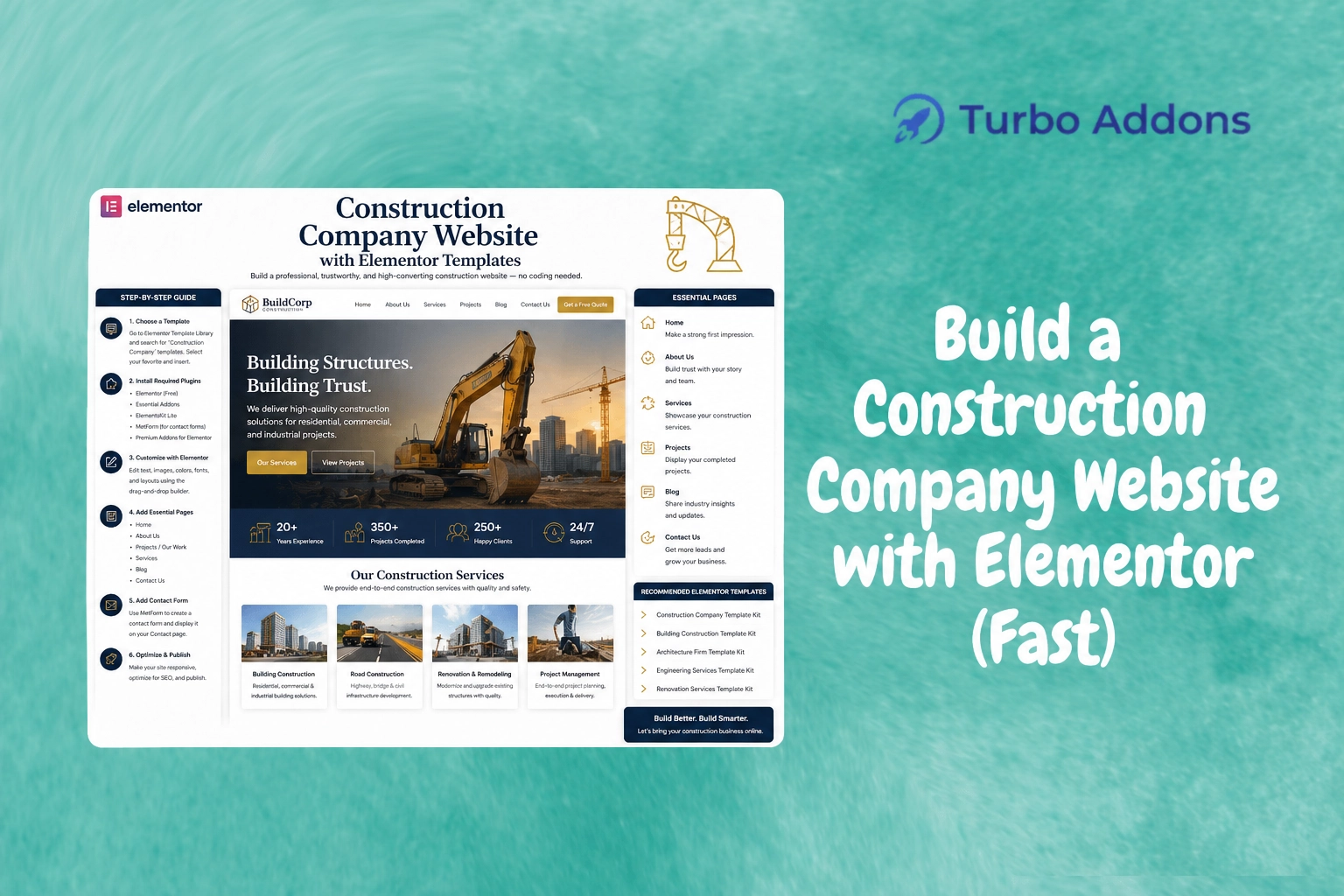
Build a Construction Company Website with Elementor
Construction companies increasingly recognize the importance of an online presence. Research suggests that up to 85% of consumers perform online research before making a purchase. This statistic highlights the need for a strong and effective online presence, especially in the construction industry where trust and reputation play critical roles. In this post, you will learn how to build a visually appealing and functional construction company website using Elementor. We’ll guide you through the key steps and offer insights into using Turbo Addons templates to speed up the process.
What Is a Construction Company Website?
A construction company website serves as an online portfolio and business card for your entire operation. It is a hub where potential clients can learn about your services, explore your past projects, and get in touch with you for consultation or estimates. This concept bridges the gap between physical service delivery and digital interaction, offering customers an accessible medium to engage with your brand.
Building a construction company website involves not just showcasing your work but also integrating features that enhance user experience. These include contact forms, service descriptions, client testimonials, and a blog section. These features ensure you provide value while maintaining transparency. Ultimately, they help you win the trust of new clients and retain existing ones.
Building a Construction Company Website with Elementor (Step-by-Step)
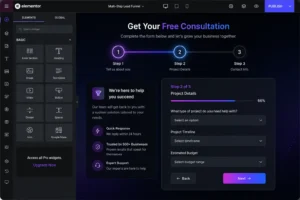
Elementor is a powerful WordPress website builder that offers a range of design features for creating engaging and responsive websites. For construction companies, utilizing Turbo Addons for Elementor enhances this process with a variety of purpose-built widgets and templates.
Getting started requires installing Elementor on your WordPress site. Navigate to the Plugins section of your WordPress dashboard, search for Elementor, and click Install. Once installed, activate it to start building pages. With Turbo Addons, gain access to over 200 customizable Elementor templates specifically designed to expedite website creation for different industries, including construction.
Turbo Addons provides a vast library of templates and widgets that make it easier to craft pages tailored to your business. Select from various categories like Portfolio, Service, and Corporate. This enables you to display your projects, services, and business information in a visually appealing manner. The drag-and-drop feature ensures you can add or modify sections without any coding knowledge.
Utilize the Header & Footer Builder included with Turbo Addons to create consistent navigation and footer sections throughout your site. This feature significantly enhances the user experience, ensuring seamless navigation across different pages.
Types of Widgets
Turbo Addons for Elementor comes equipped with 85+ widgets categorized into Content, Creative, Dynamic, Marketing, Social, and WooCommerce. These include Logo Carousel, Advanced Heading, Image Icon Card, and Pricing Table. These tools enable you to create engaging, interactive pages. For example, use the Team Slider to showcase your expert team members or the Counter widget to highlight completed projects.
Creative or visual widgets like Hero Slider and 3D Carousel bring your projects to life with motion and unique designs. These widgets allow visitors to explore your work interactively. WooCommerce widgets support e-commerce requirements, ensuring full customization of product pages, cart layouts, and more.
Pricing
Turbo Addons offers both free and premium plans to accommodate different needs. Here’s a quick overview of their pricing options:
| Plan | Sites | Price/yr | Widgets | Templates | Support |
|---|---|---|---|---|---|
| Free | Unlimited | $0 | Limited | Limited | Yes |
| Personal | 2 Sites | $24.99 | 85+ | 100+ | Yes |
| Business | 10 Sites | $49.99 | 85+ | 100+ | Yes |
| Agency | 1,000 Sites | $119.99 | 85+ | 100+ | Yes |
Why It Matters
A well-designed website is crucial for positioning your construction company as a market leader. It ensures clients perceive your firm as professional and technologically adept. This perception can influence their decision to choose your services over competitors. In an industry driven by trust and reputation, a professional website helps establish your credibility and showcase your portfolio effectively.
The demand for digital engagement is growing, with more clients preferring online research and interactions. A website enhances accessibility, allowing potential clients to contact you effortlessly. This shift underscores the importance of digital presence. It enables construction companies to capture leads and expand their client base beyond geographical limitations.
Finally, standing out in a crowded market is essential for business growth. Leveraging tools like Turbo Addons gives you access to advanced design functionalities and stunning templates. This distinctiveness differentiates your business from competitors. The convenience of a pre-designed template library accelerates the website creation process, ensuring your business is ready for the digital marketplace promptly.
How It Works
Setting up your construction company website with Elementor and Turbo Addons begins with selecting a suitable theme. Choose a theme that’s compatible with Elementor to ensure seamless integration. Once chosen, activate the theme on your WordPress site.
Next, import the desired templates from the Turbo Addons library. From portfolios and service pages to contact forms, these templates are customizable to fit your brand identity. With a simple drag-and-drop interface, you can rearrange elements to create a layout that best represents your services and projects.
Make use of Elementor’s extensive widget variety to add dynamic features to your site. Whether it’s integrating a contact form or embedding client testimonials, these enhancements contribute to an engaging and informative user experience. The result is a professional, fully functional website that effectively communicates your company’s capabilities and past achievements.
Conclusion
Ready to build your construction company website? Visit Turbo Addons to begin your journey with Elementor templates. Make your online presence as robust as your construction projects.
FAQs
What happens after I purchase a plan?
After purchasing, you will receive an email with a license key and download link. You can activate your license inside the WordPress dashboard under Turbo Addons settings. This activation unlocks access to premium templates and widgets, allowing you to enhance your site further.
Can I use my license on multiple websites?
Yes, depending on your plan. The Personal Plan covers 2 sites, the Business Plan covers 10, and the Agency Plan covers up to 1,000 websites. To manage licenses, navigate to the WordPress Dashboard, find Turbo Addons settings, and enter your license key under License Activation.
Do I need Elementor Pro to use Turbo Addons?
No, Turbo Addons works with both the free and Pro versions of Elementor. However, some advanced features perform best with Elementor Pro installed, providing additional flexibility and capabilities in customization.
What happens if I don’t renew my plan?
The Turbo Addons plugin will continue to work, but you won’t receive updates or support. To maintain access to both, you’ll need to renew your subscription. Lifetime plan holders are exempt from renewal and continue to receive the full benefits without any additional costs.